Photographing Cars
Can I use car photos I already took?
4 min read
Yes. Every photo Clearcoat uses is a photo someone already took, so a car already listed with lot photos needs no reshoot. Upload the whole-car exterior shots you have to a Vehicle, up to 24 photos as JPEG, PNG, WebP or AVIF files of up to 20 MB each, choose a Showroom and generate. Each photo comes back as a finished photo of the car in that room, from the same angle, in about a minute. Leave out interiors, close-up crops and any shot where the license plate fills the frame, and expect less from a photo where the car is cut off or very dark.
Which existing car photos work in Clearcoat?
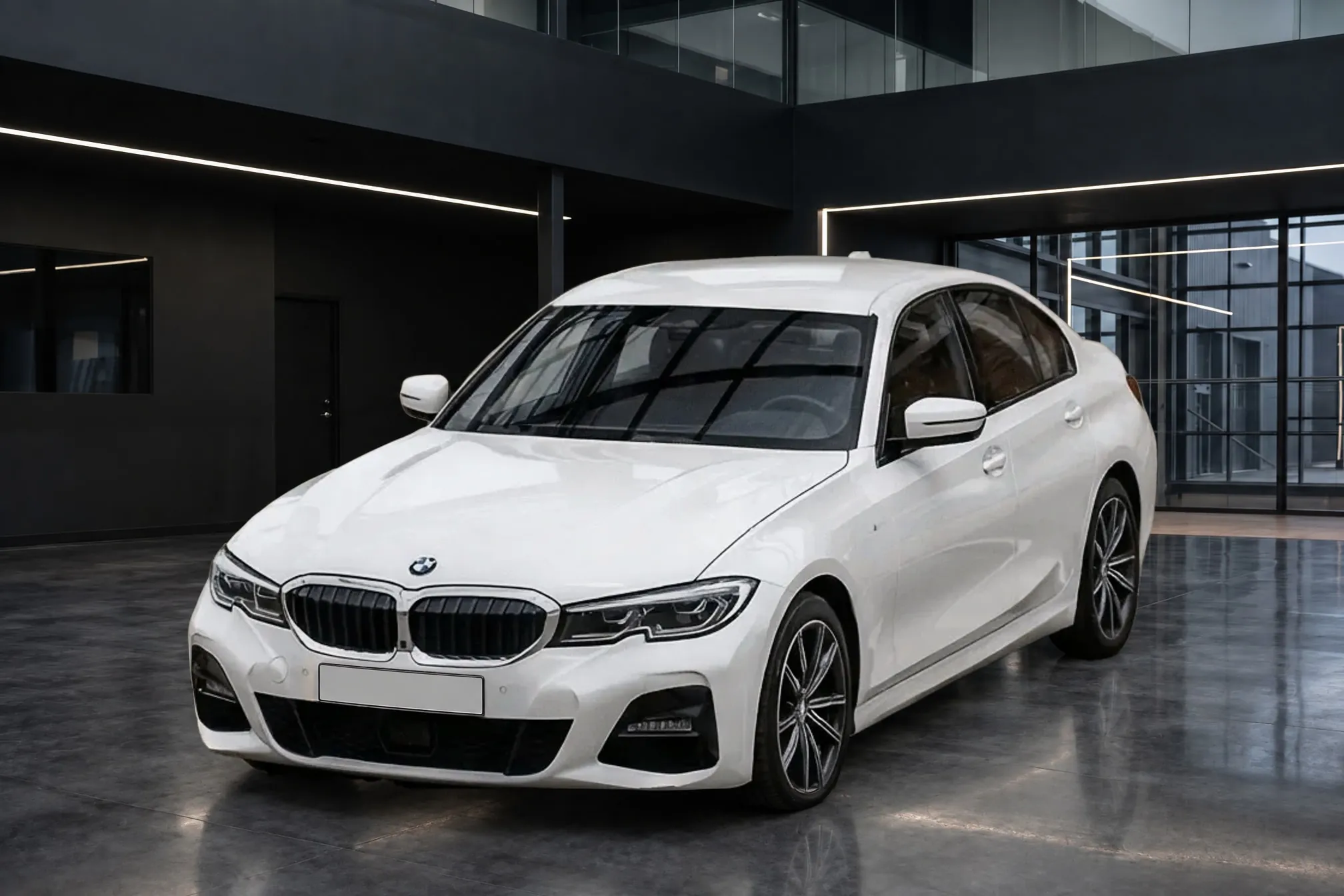
Clearcoat is made for exterior photos of the whole car, standing on the ground, with nothing in front of it:
| Existing photo | In Clearcoat |
|---|---|
| Front three-quarter, front, side profile, rear three-quarter, rear | Use it |
| Dashboard, seats, odometer, controls | List as taken |
| A wheel, badge, engine bay or damage close-up | List as taken |
| A front or rear shot so close the plate fills a large part of the frame | Leave it out, or list as taken |
Interiors and close-ups stay as they are because a Showroom is built for a whole car standing on its floor. The plate close-up is a narrower case: Hide, the default, covers each plate with a clean blank plate, but a plate that close to the camera can be left as drawn, characters and all (hiding license plates). A step further back fixes it next time.
Clearcoat makes no new angles. If your old set is missing a side profile or a rear three-quarter, that angle needs a new photo.
Do car photos already online need a reshoot?
No, as long as you start from the original files. Listing sites resize photos for display; Cars.com, for one, shows vehicle photos at a maximum of 1024 x 768 (Cars.com). The copy on the listing is smaller than the photo your phone, camera or photo vendor saved, so use the original from the camera roll, your inventory system or the vendor's delivery.
Two more checks before you upload:
- Use the clean version. If a photo already carries a price strip, a dealer banner or a watermark, upload the original without it. Several major listing sites ban overlays on vehicle photos anyway (car listing photo requirements).
- The car must still look like this. eBay requires that pre-owned vehicle images "be of the actual vehicle offered for sale" (eBay), and Cars.com that media "accurately depict the vehicle." Clearcoat keeps the car as photographed, dents and wear included, so if the car has since been repaired or has new tires, take those angles again.
If a photo vendor took the photos, make sure you have the right to use them; Clearcoat's Terms ask that every upload be yours or one you may use.
What makes an old photo a weaker start?
Clearcoat replaces everything around the car and keeps the car as your photo shows it. So what weakens a finished photo is on the car, not behind it, and several of these are also why a replaced background looks fake (why car background replacement looks fake):
- The car is cut off. A mirror, bumper or roofline outside the frame isn't in the photo, so it has to be guessed, and a guessed part isn't your car.
- The photo is very dark, or the paint is blown out to white. There is little detail in the car for Clearcoat to keep.
- The car is small in the frame. Badges, lettering and wheel spokes come from a few pixels each, and fine details are where a drawn car is most likely to come out differently.
- Something stands in front of the car. A person, a pole or another car's bumper hides part of it.
- The lot is mirrored in the paint, or hard sun is on it. A row of parked cars reflected in a door or a sharp shadow across the hood is part of the car as photographed, and it can carry into the Showroom.
- The camera was far above or below the car. A Showroom is seen from an ordinary, level height, and a car shot from a ladder or the ground has to be drawn further from your photo to fit.
A finished photo that is delivered uses its Credit, whether or not you list it, so leave the weak shots out before you generate. Compare each finished photo with its original before it goes on a listing (what Clearcoat keeps from your photo).
Can old and new photos share one look?
Yes. Choose the same Showroom for the cars you photographed months ago and the ones you shoot this week, and every listing shows the same room, whoever took the photos and wherever the car was parked. For cars still to be photographed, the lot photo routine avoids every weak point above.