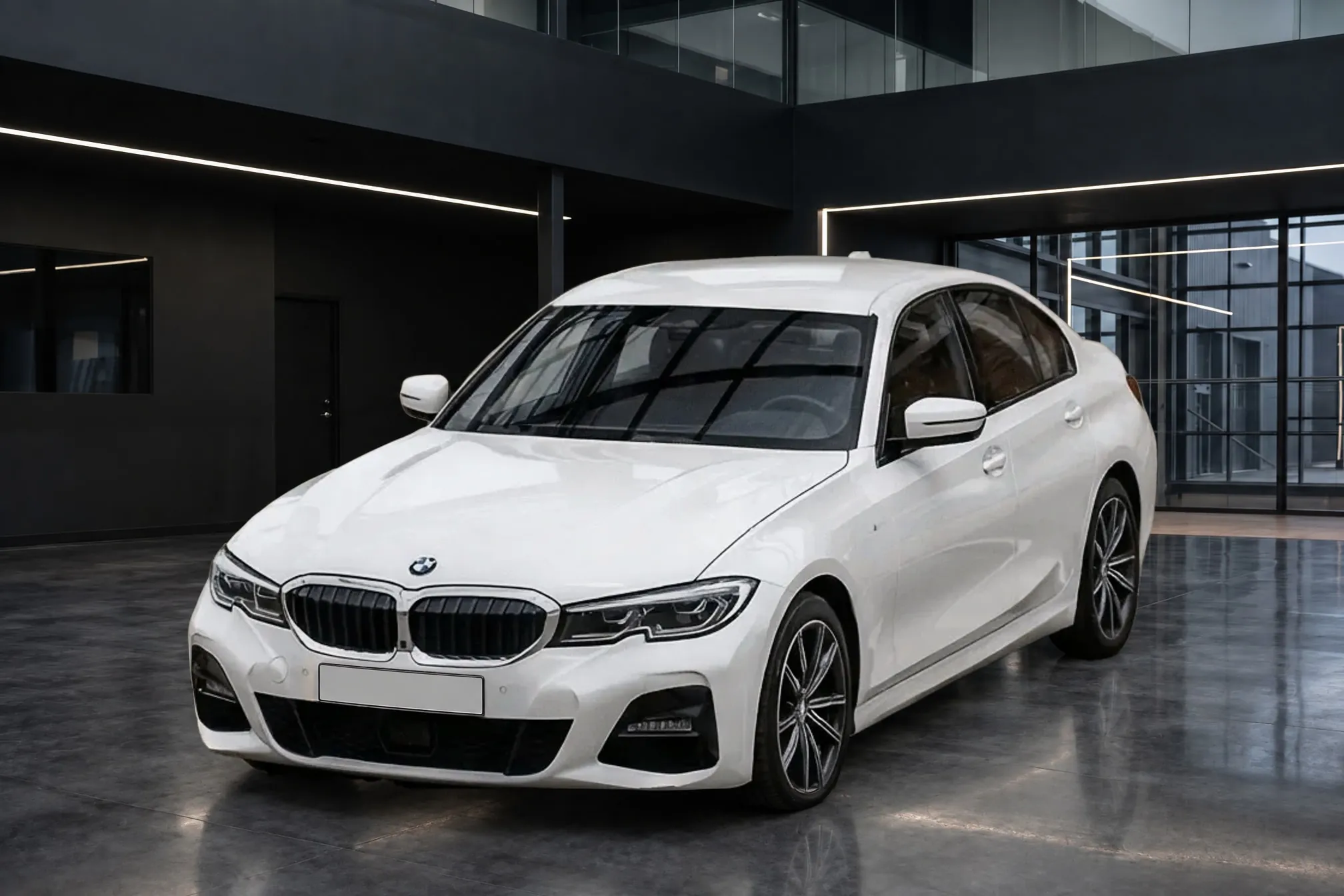
Showroom photos of your car.
Upload a photo from the lot, pick a showroom, and get a finished listing photo in about a minute, with the paint, wheels, badges, and wear of the car you photographed.
6 free credits. No credit card required.
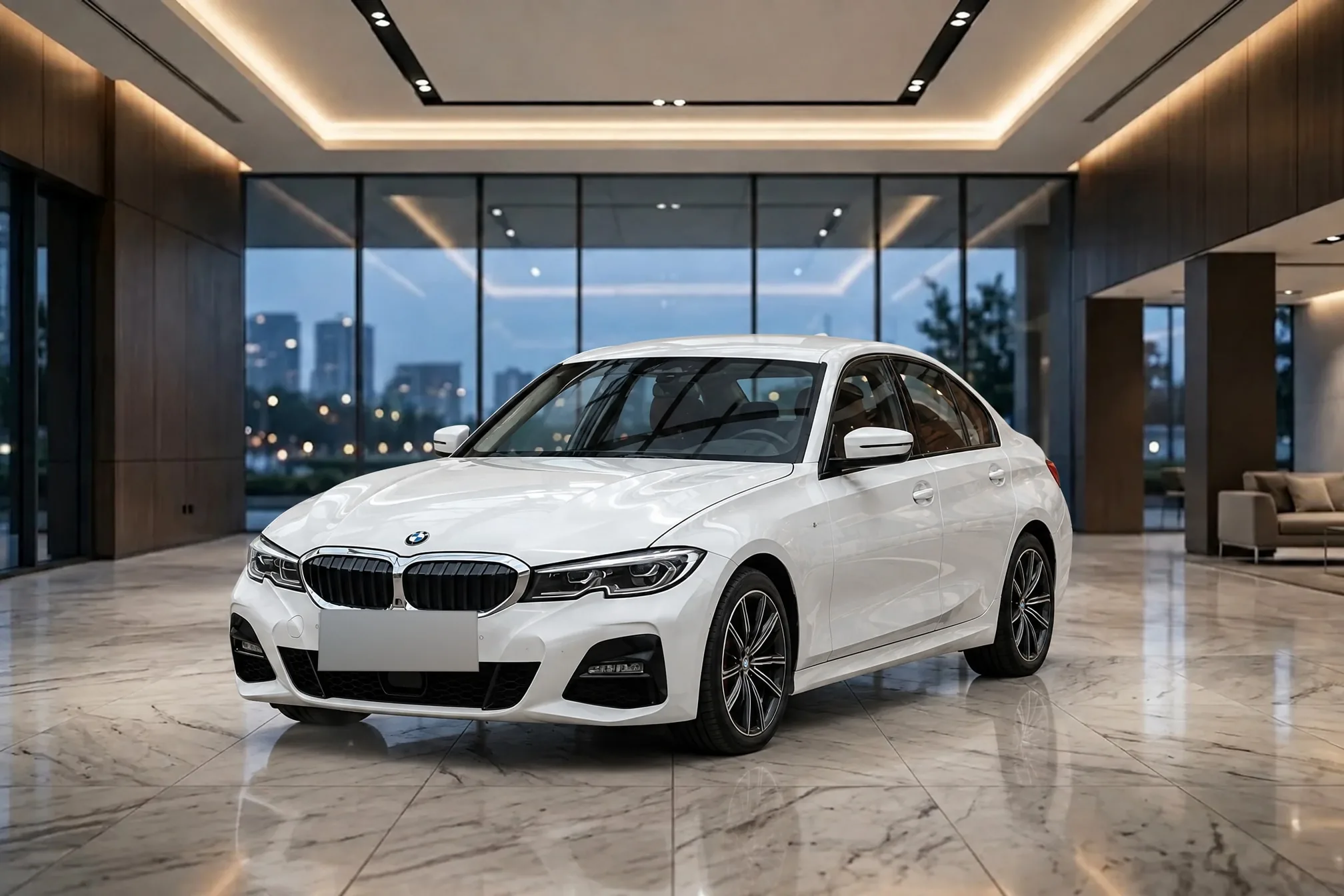
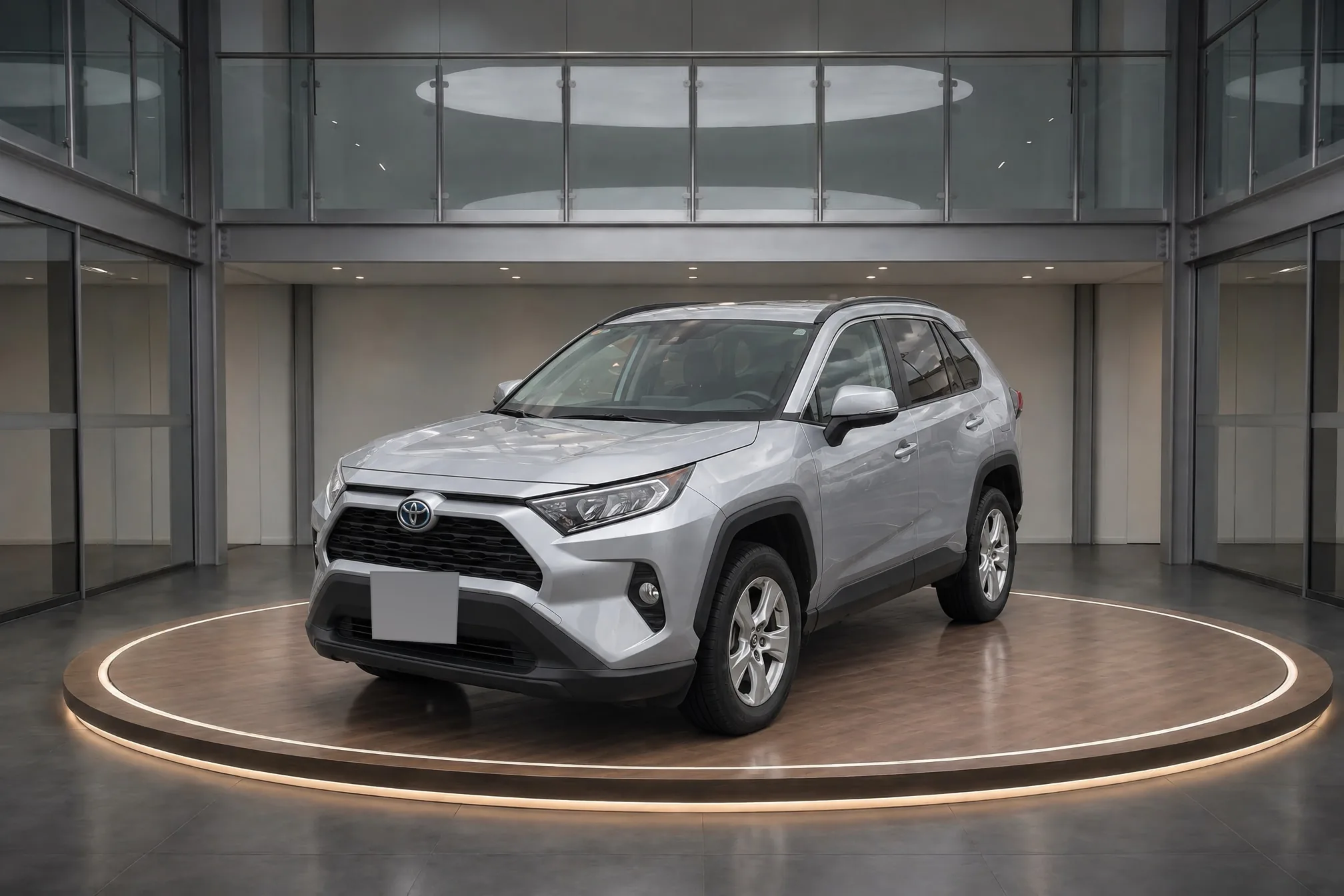
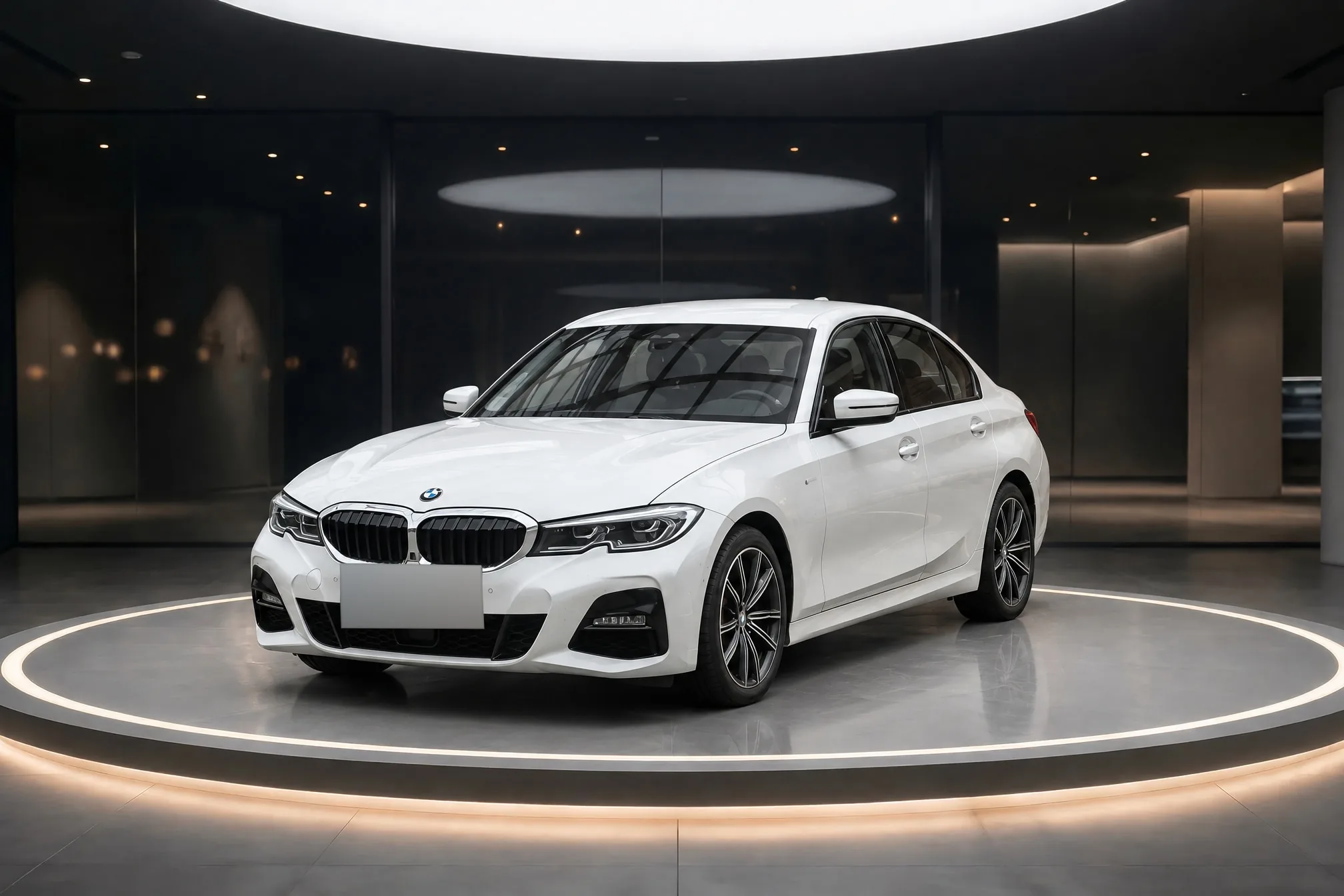
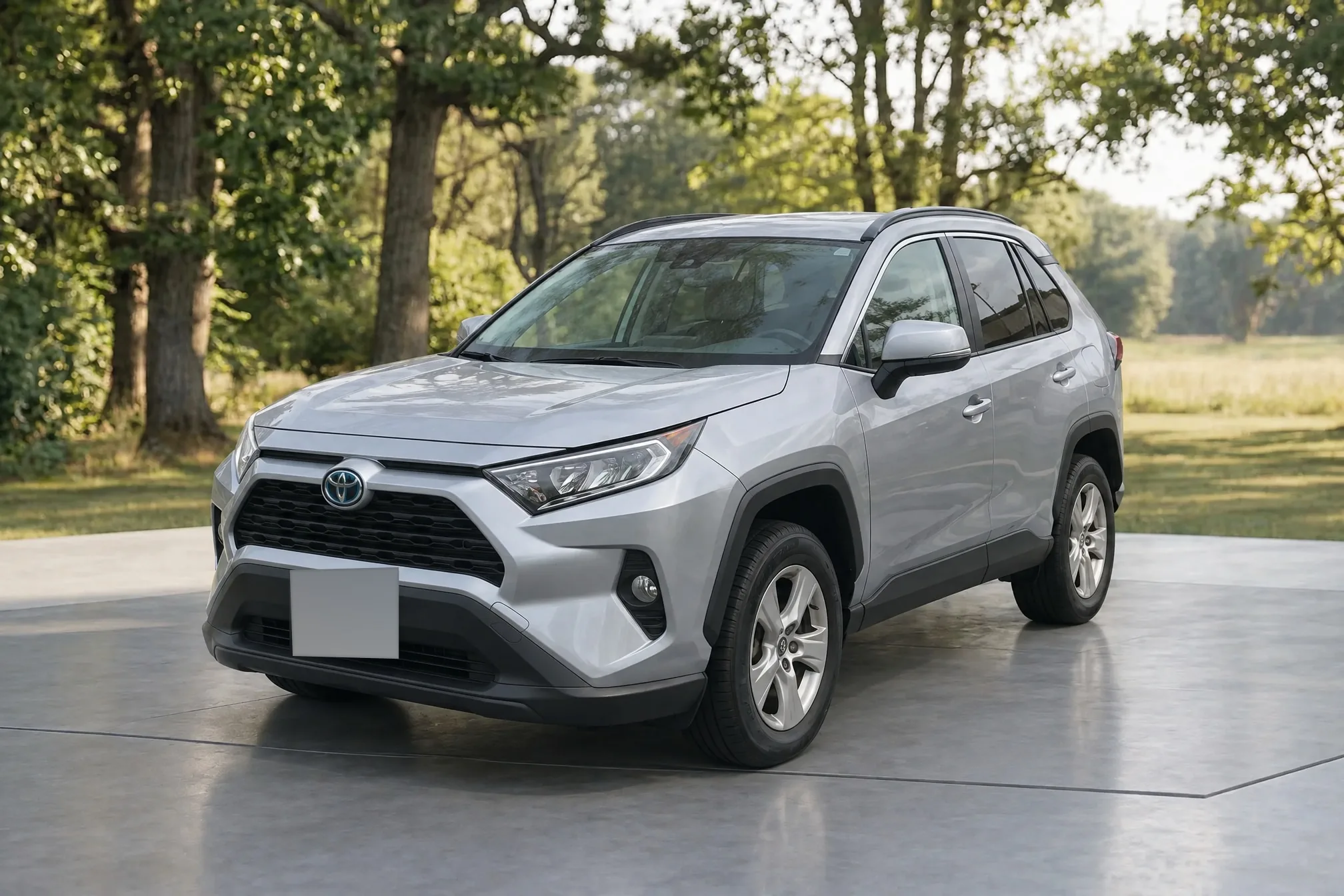
New room. Same car.
The RAV4 as it was photographed in a parking lot, and the finished photo: the same panels, badges, and wheels, in a new room.
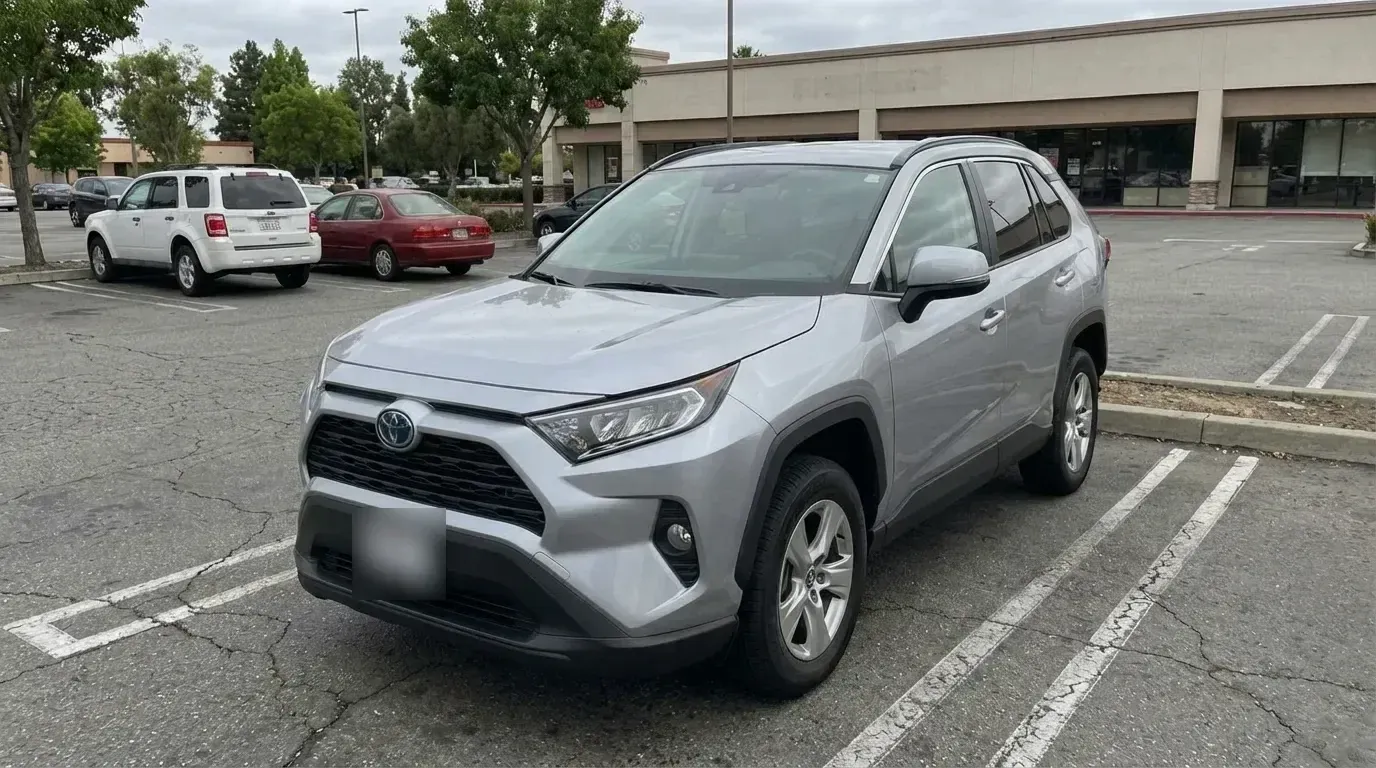 Lot photo
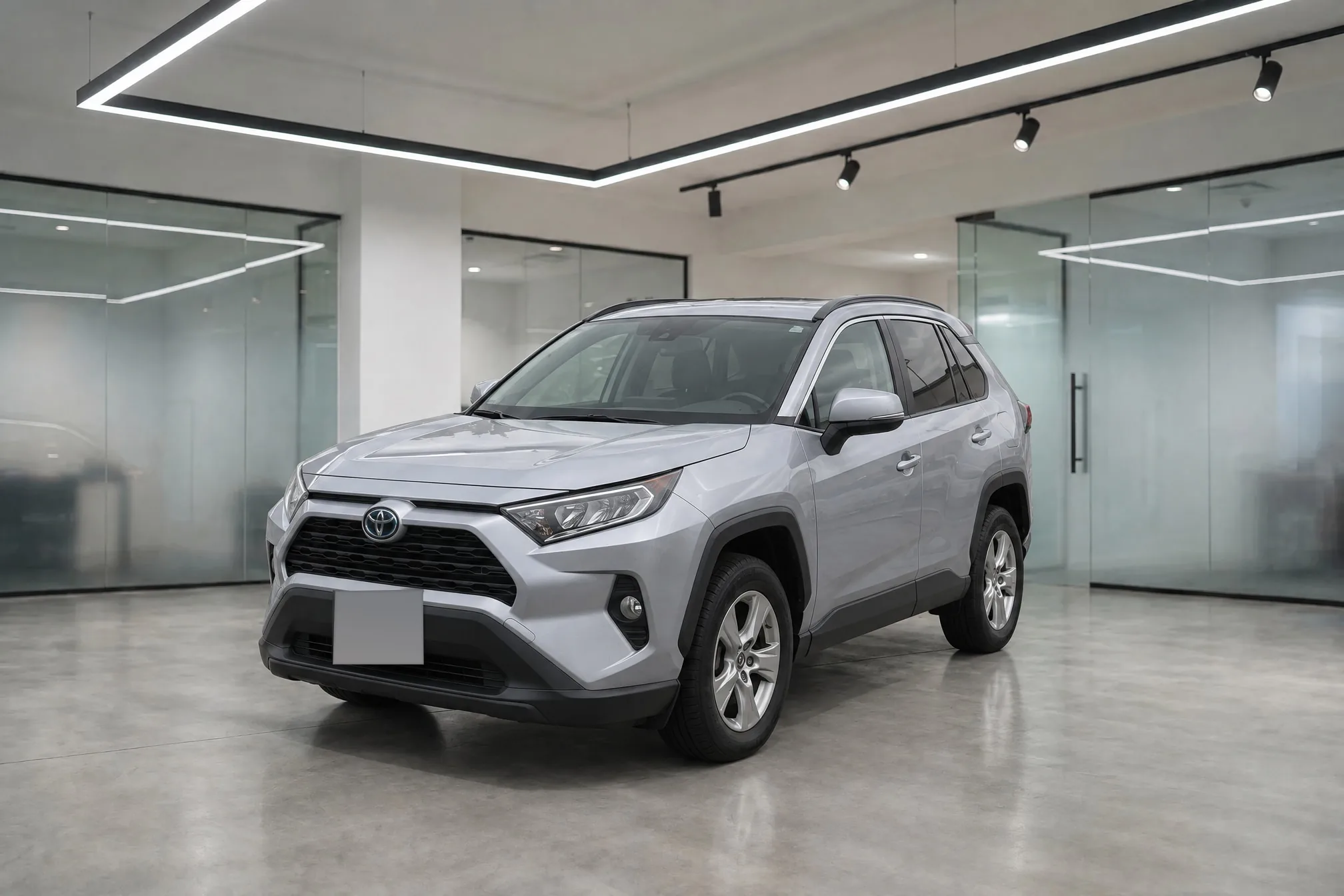 Clearcoat
One photo. Any showroom.
The same RAV4, photographed once in a parking lot, set in six rooms from the library. Same paint, same wheels, same car.
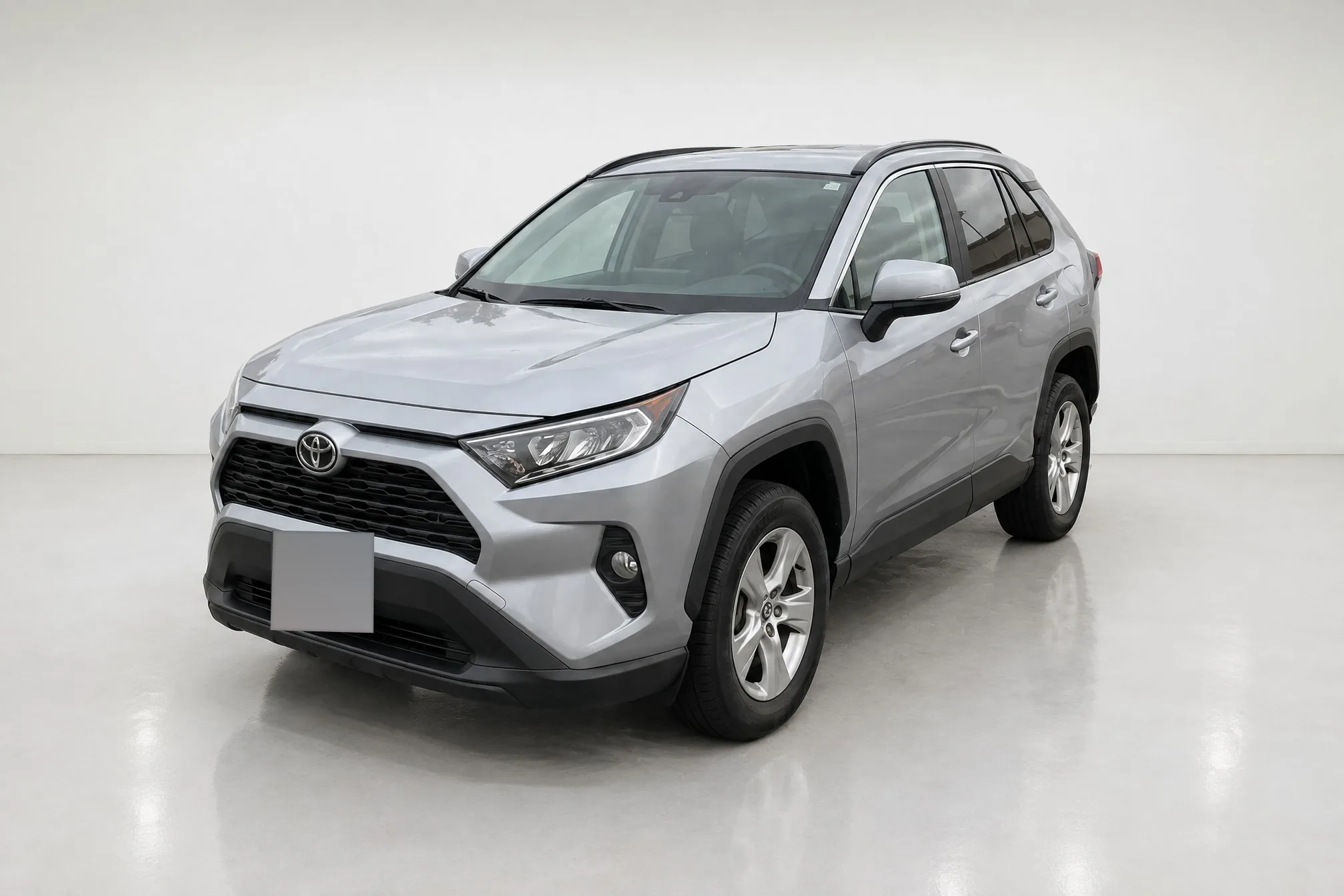 White studio
- Glass showroom
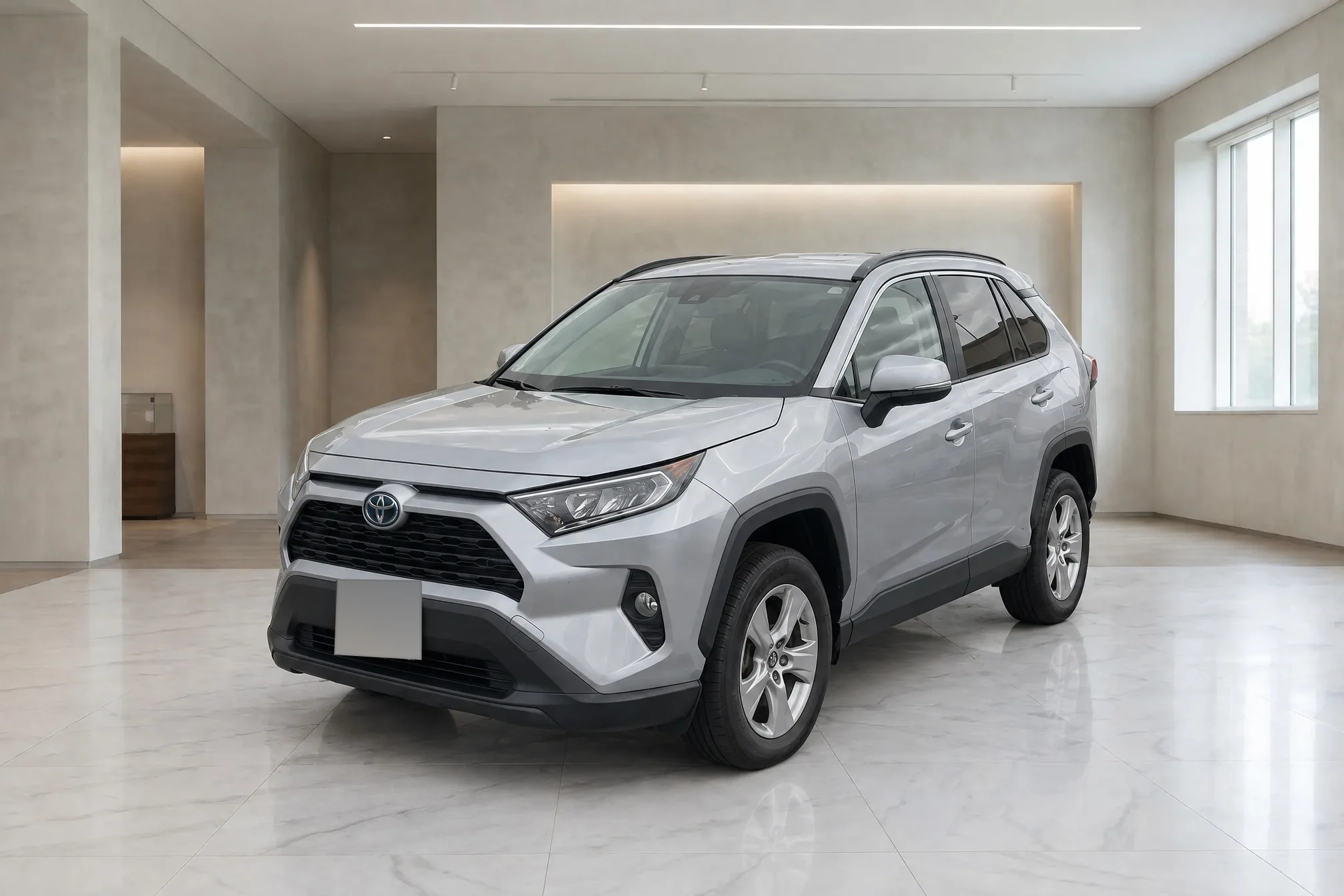 Marble gallery
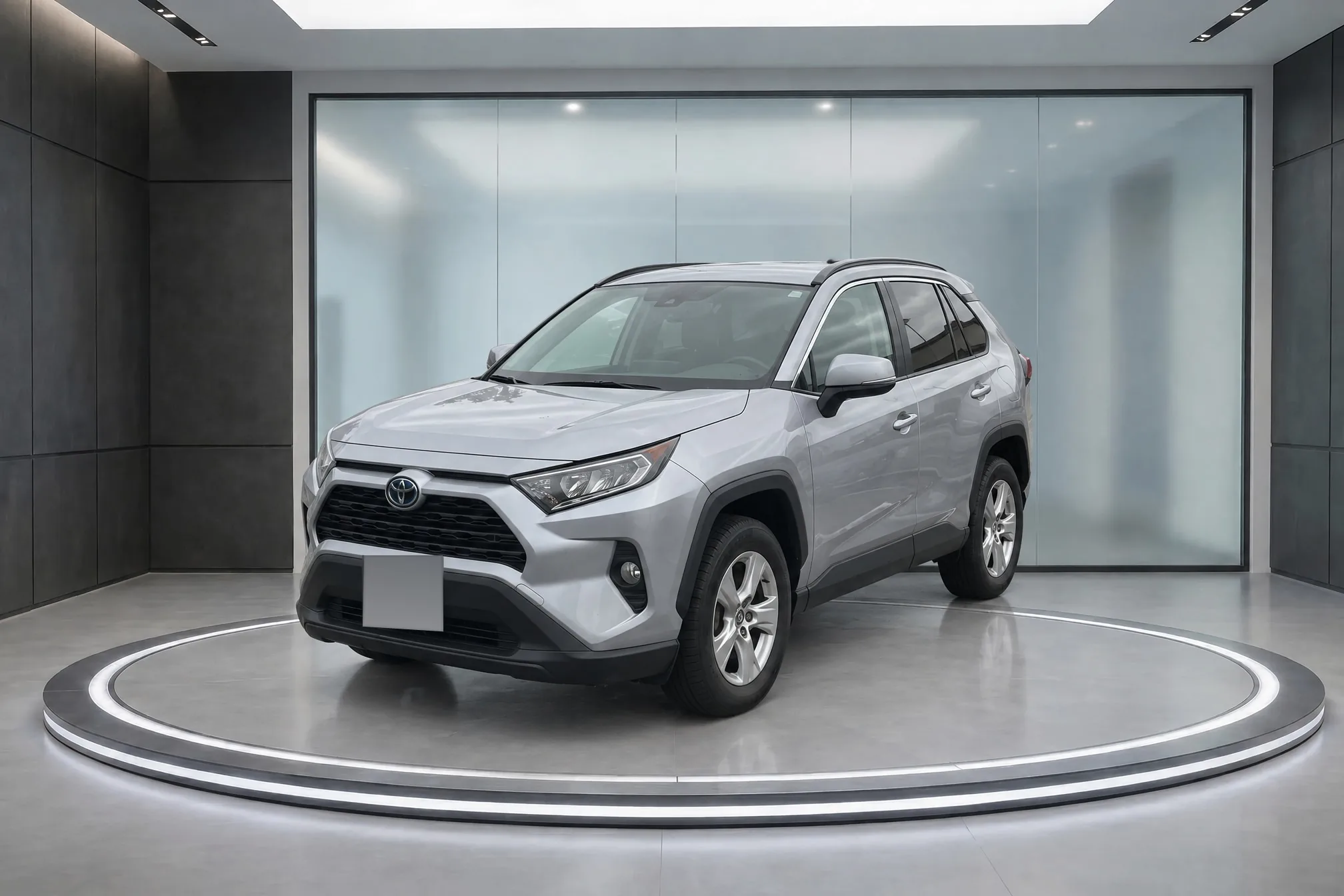 Dark turntable
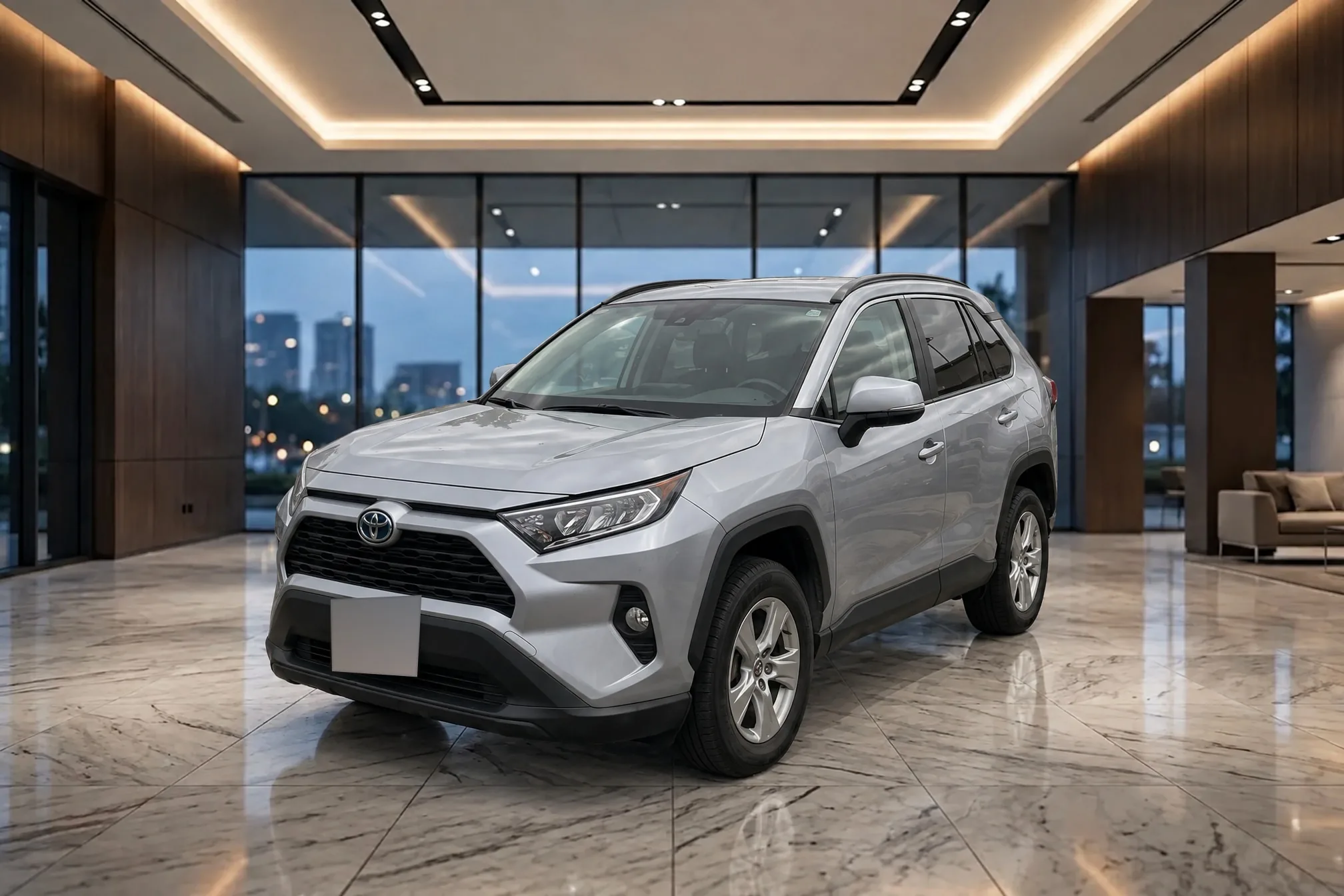 Luxury dealership
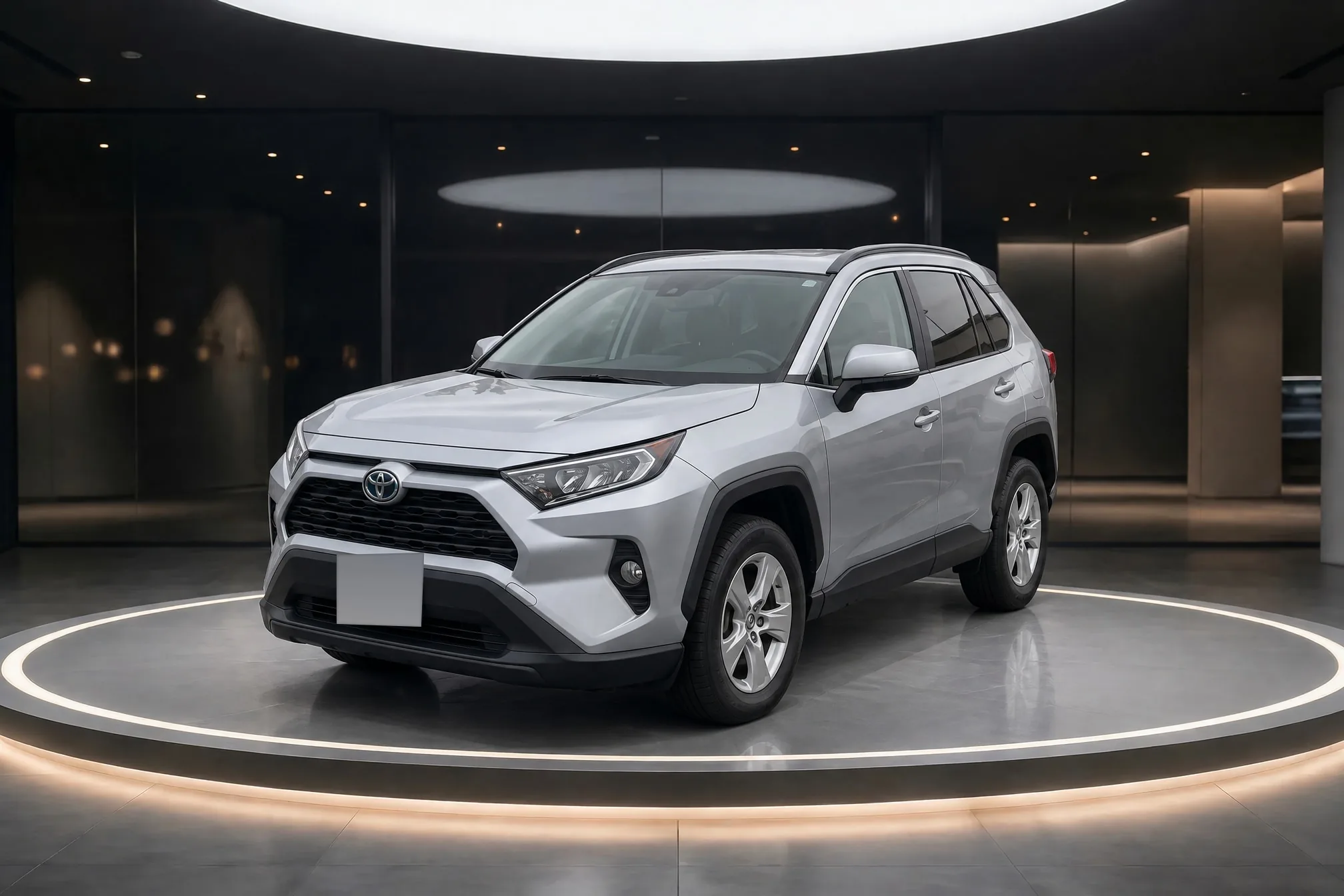 Lit turntable
Three steps. About a minute.
Upload your lot photos.
Use the photos you already take on the lot, from whichever angles you want to list. Each photo becomes one finished photo.
Pick a showroom.
Choose a room from the library or one of your own, then pick a format and whether to hide the plate.
Download.
Each finished photo is ready in about a minute. Download it and list the car.
Lit for the room. Still your car.
Clearcoat lights the car for the room so it sits there naturally, and holds the car itself to your photo. Here it is beside the lot photo it came from.
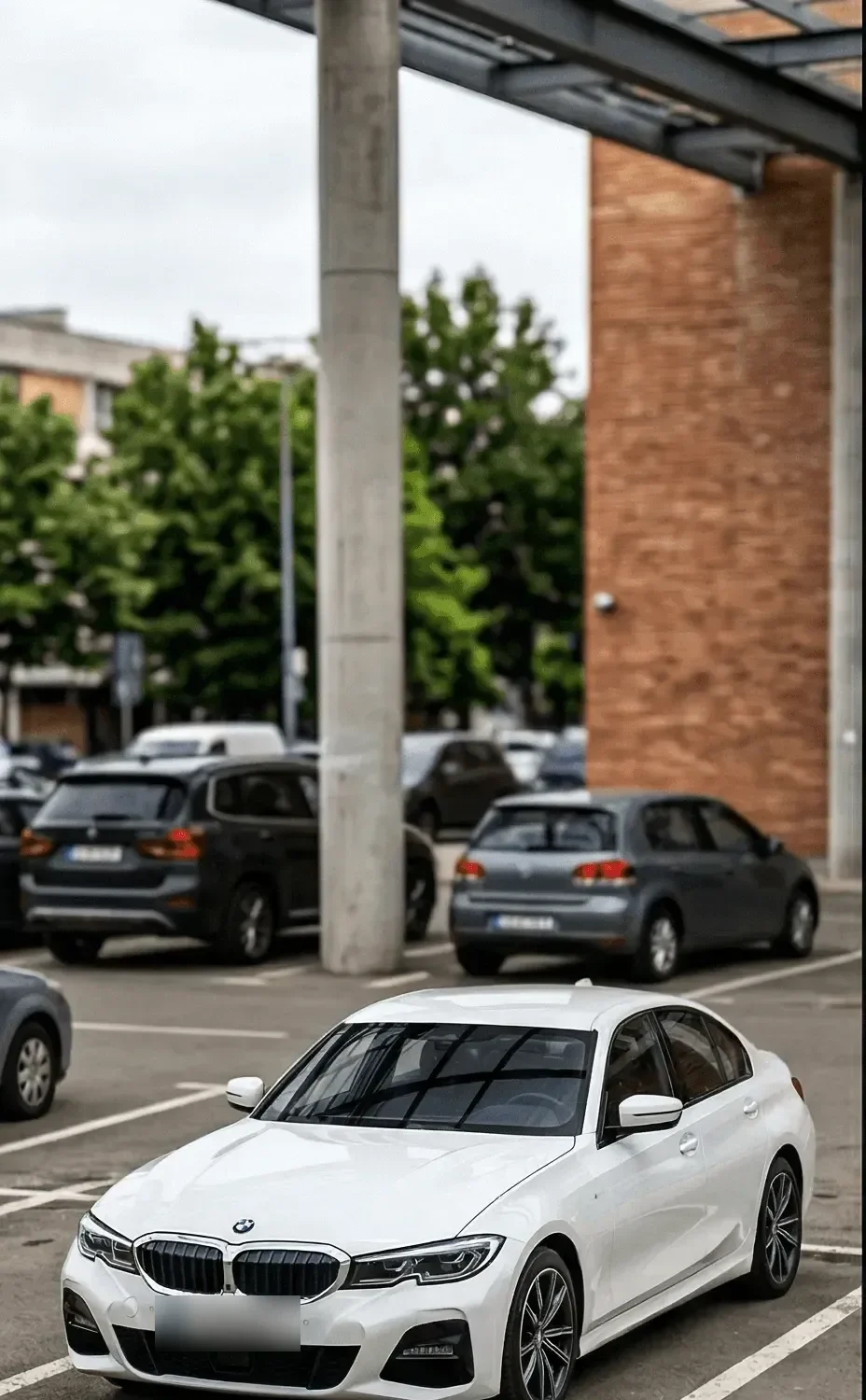 Lot photo
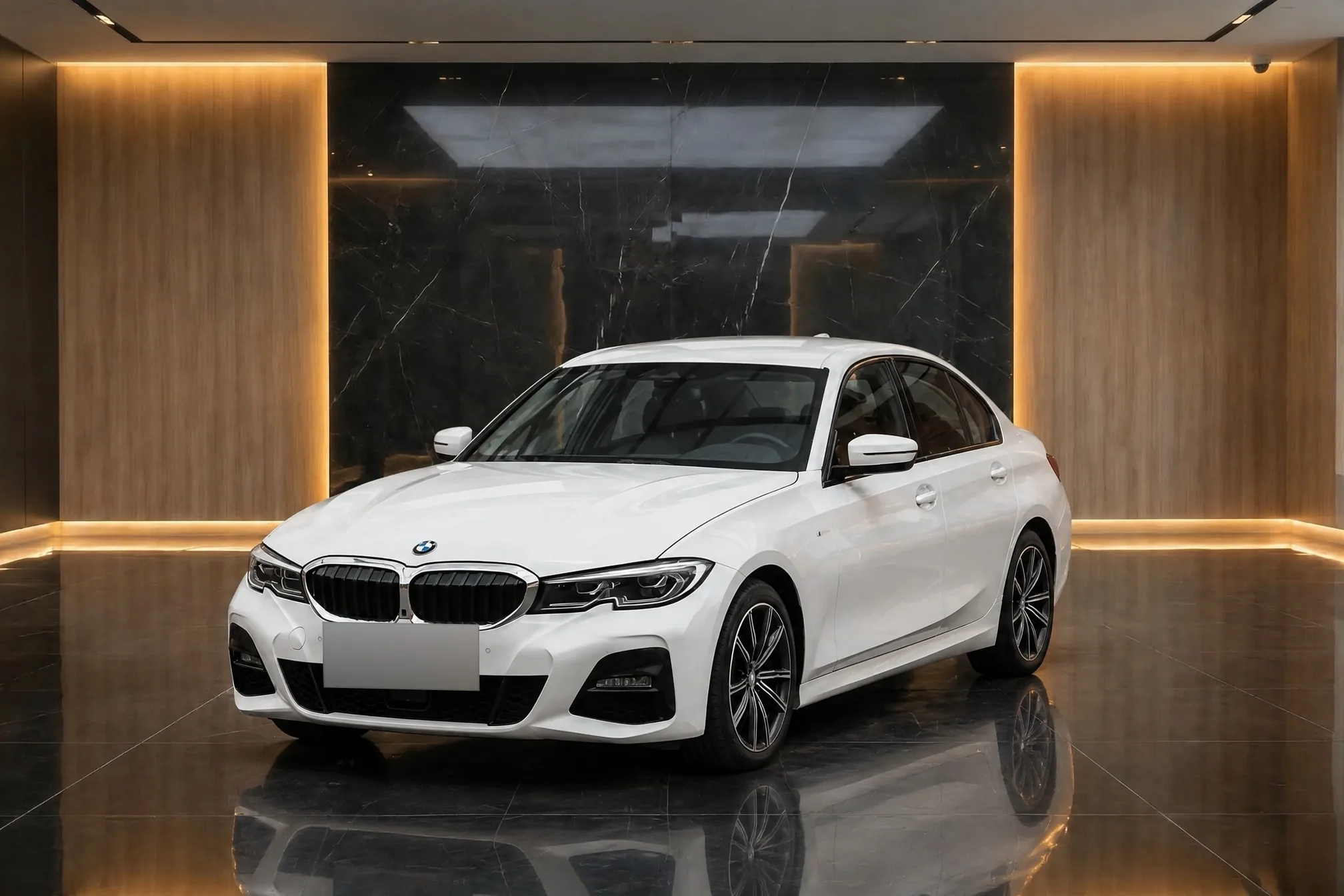 Clearcoat
- From your photo
- Paint, badges, wheels, and trim. Dents and wear included.
- Made for the room
- The light, the reflections, and the shadow on the floor.
- Checked side by side
- Every finished photo opens beside the lot photo it came from.
Pick a room. Or make your own.
Choose from a curated library of studios, showrooms, and outdoor settings. Or create a showroom from a photo of your own space or a short description, and use it for every car on the lot.
 White studio
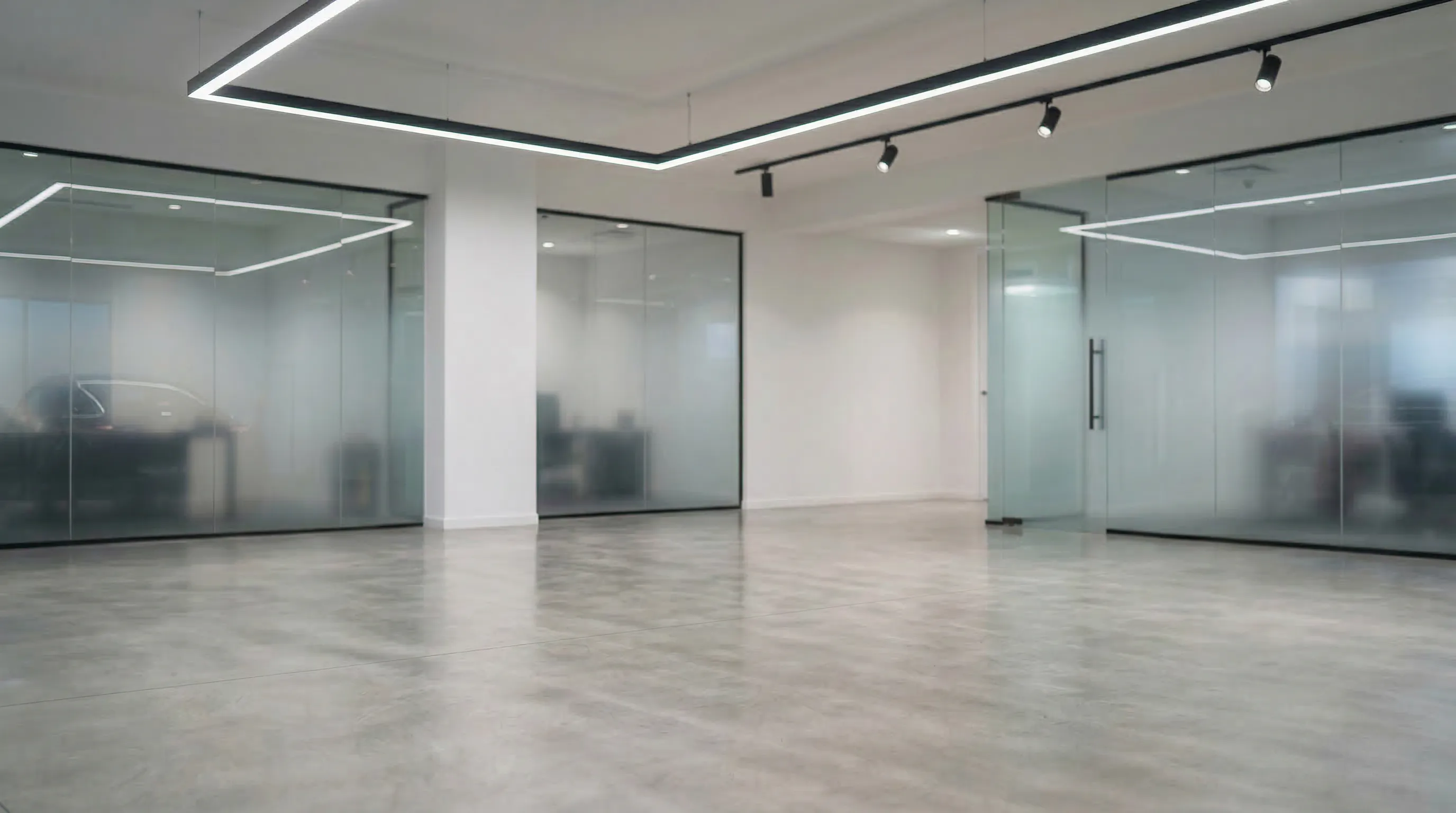 Glass showroom
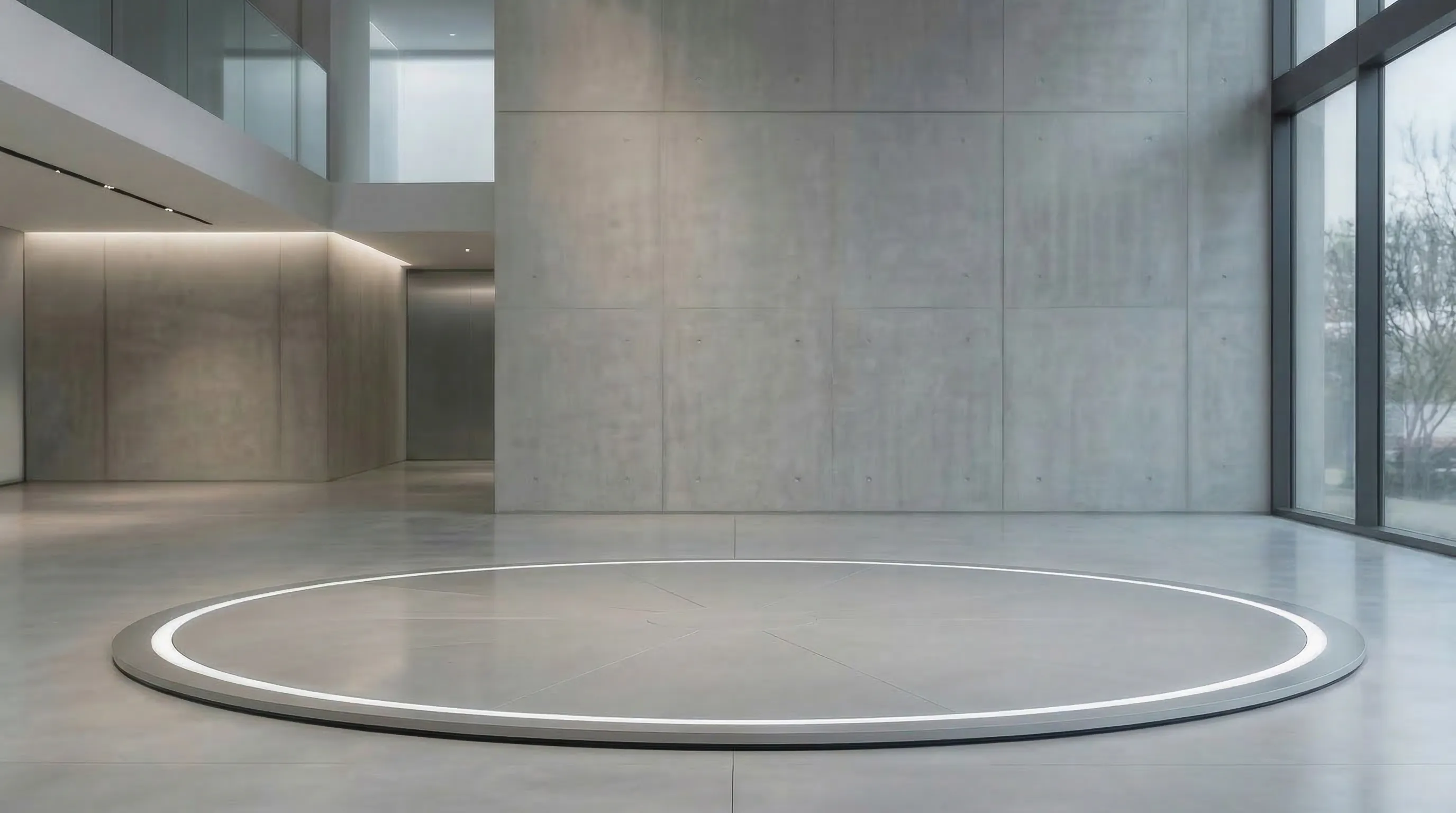 Concrete turntable
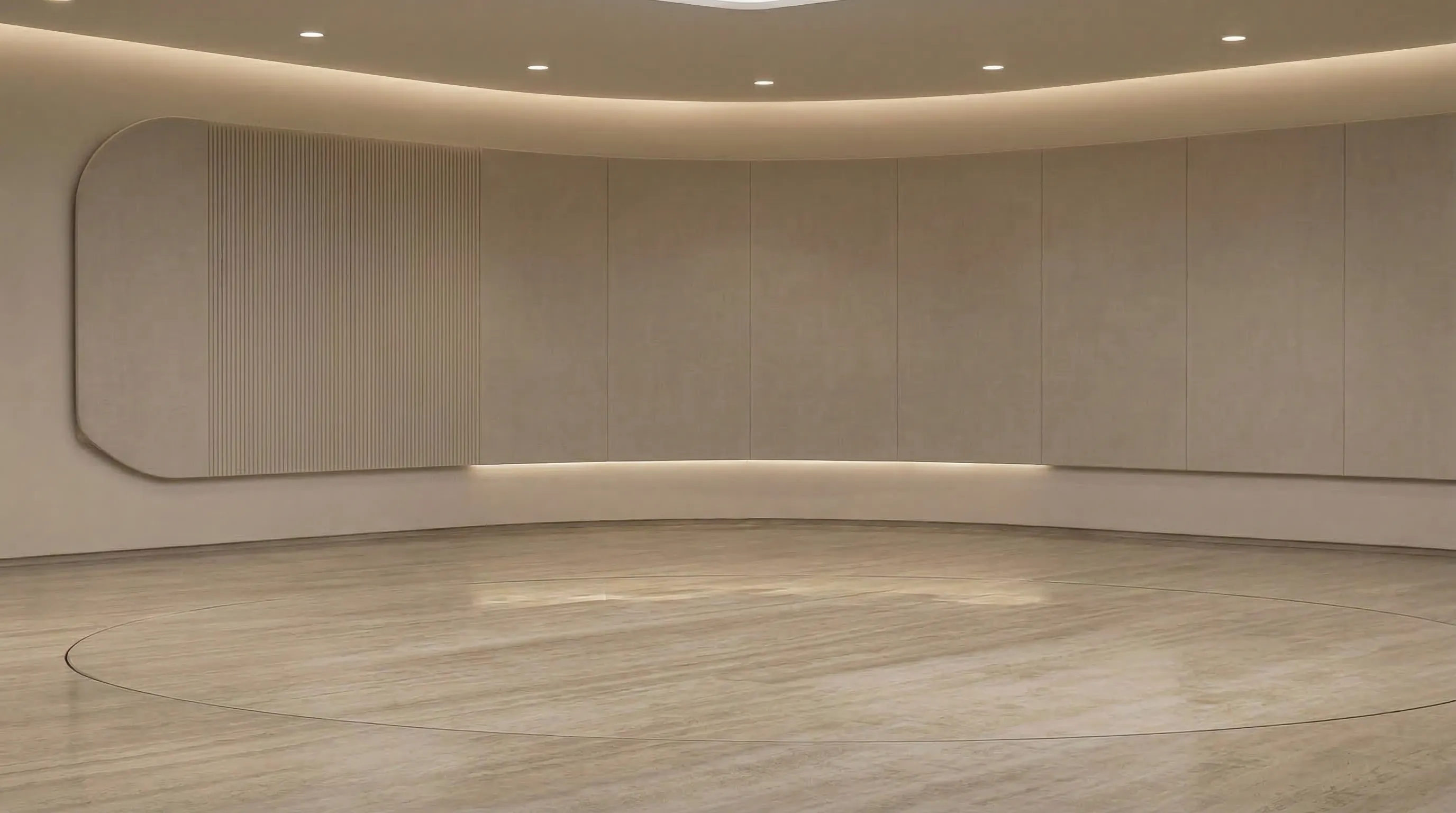 Curved showroom
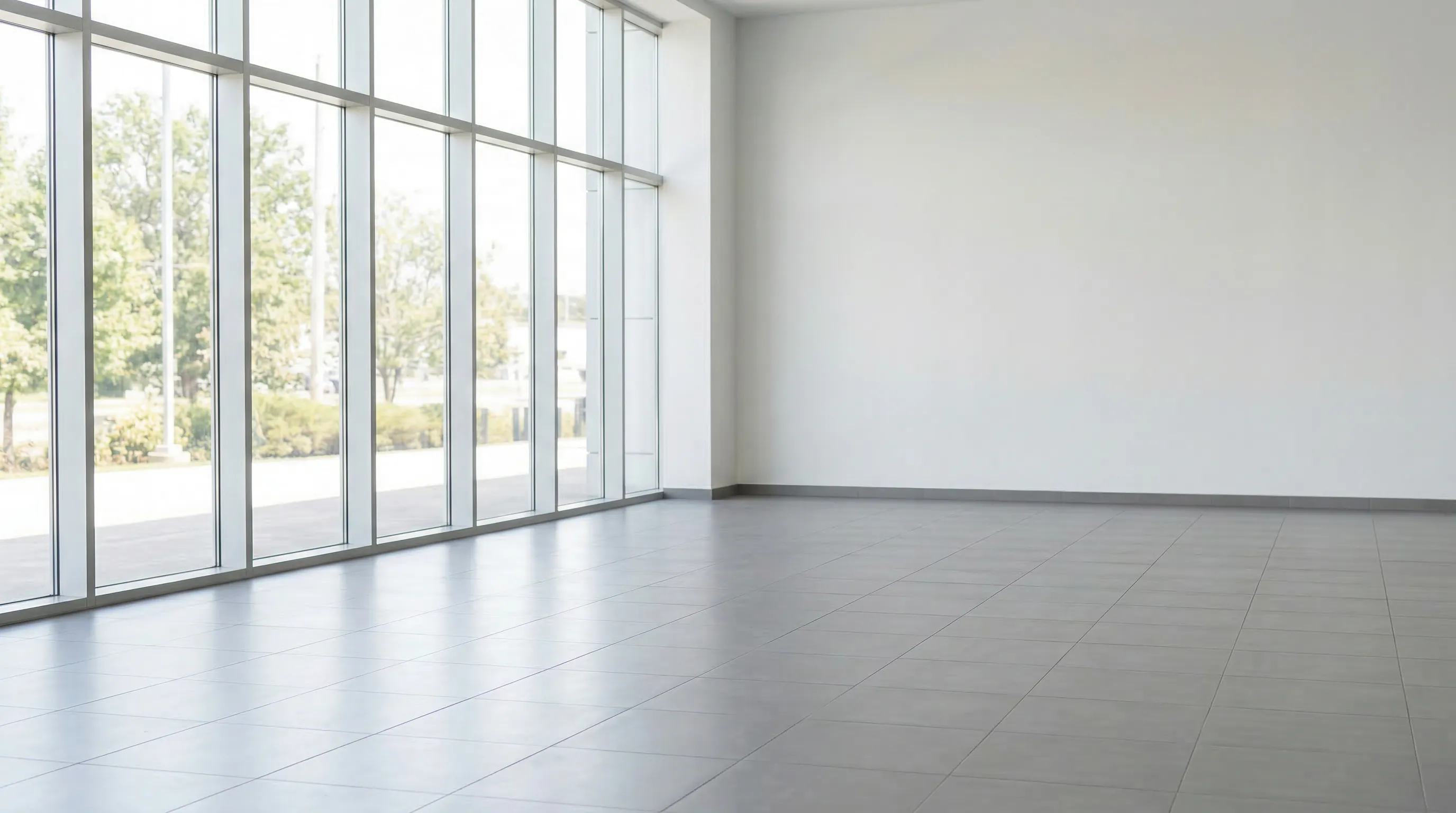 Bright dealership
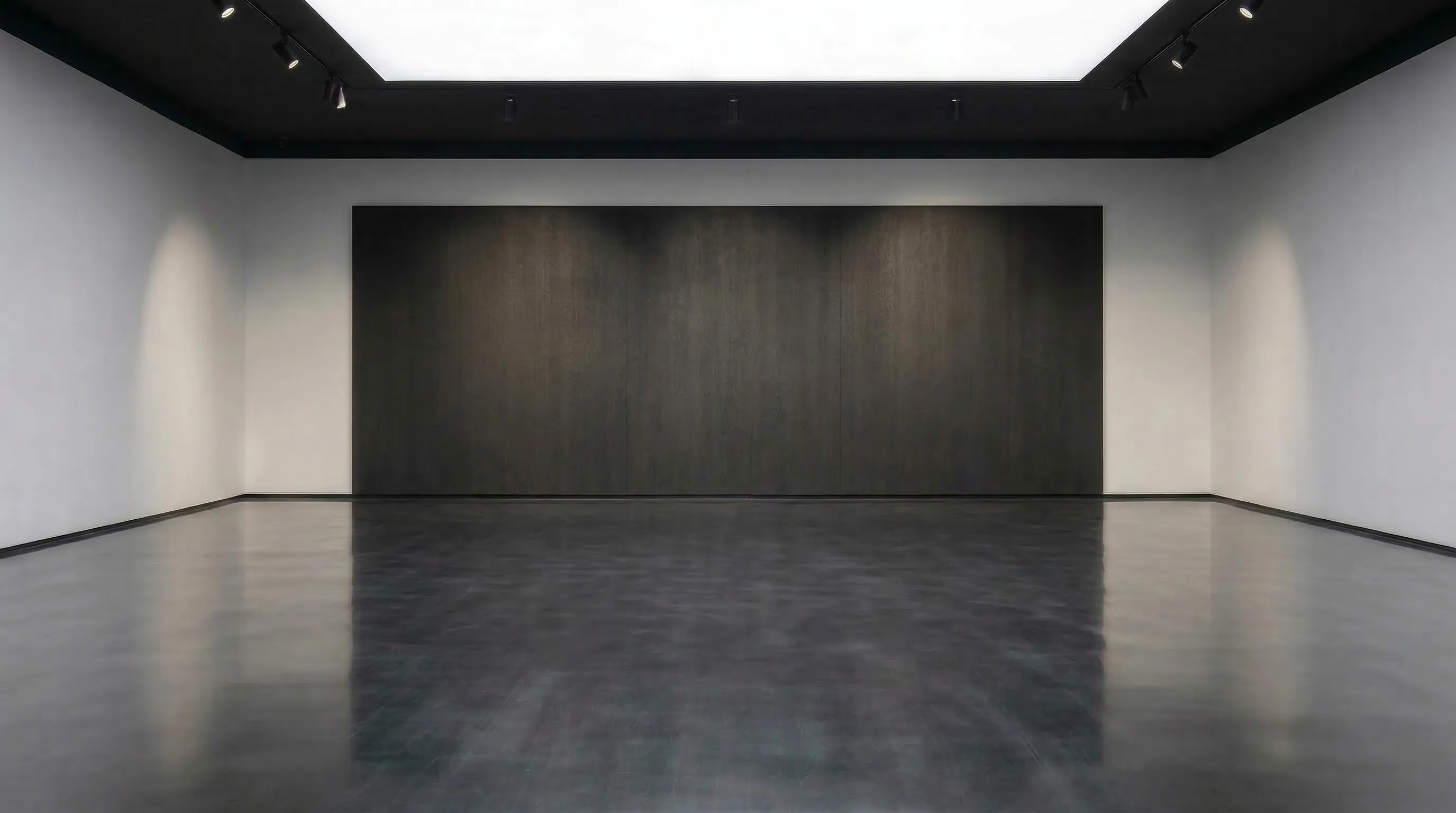 Dark gallery
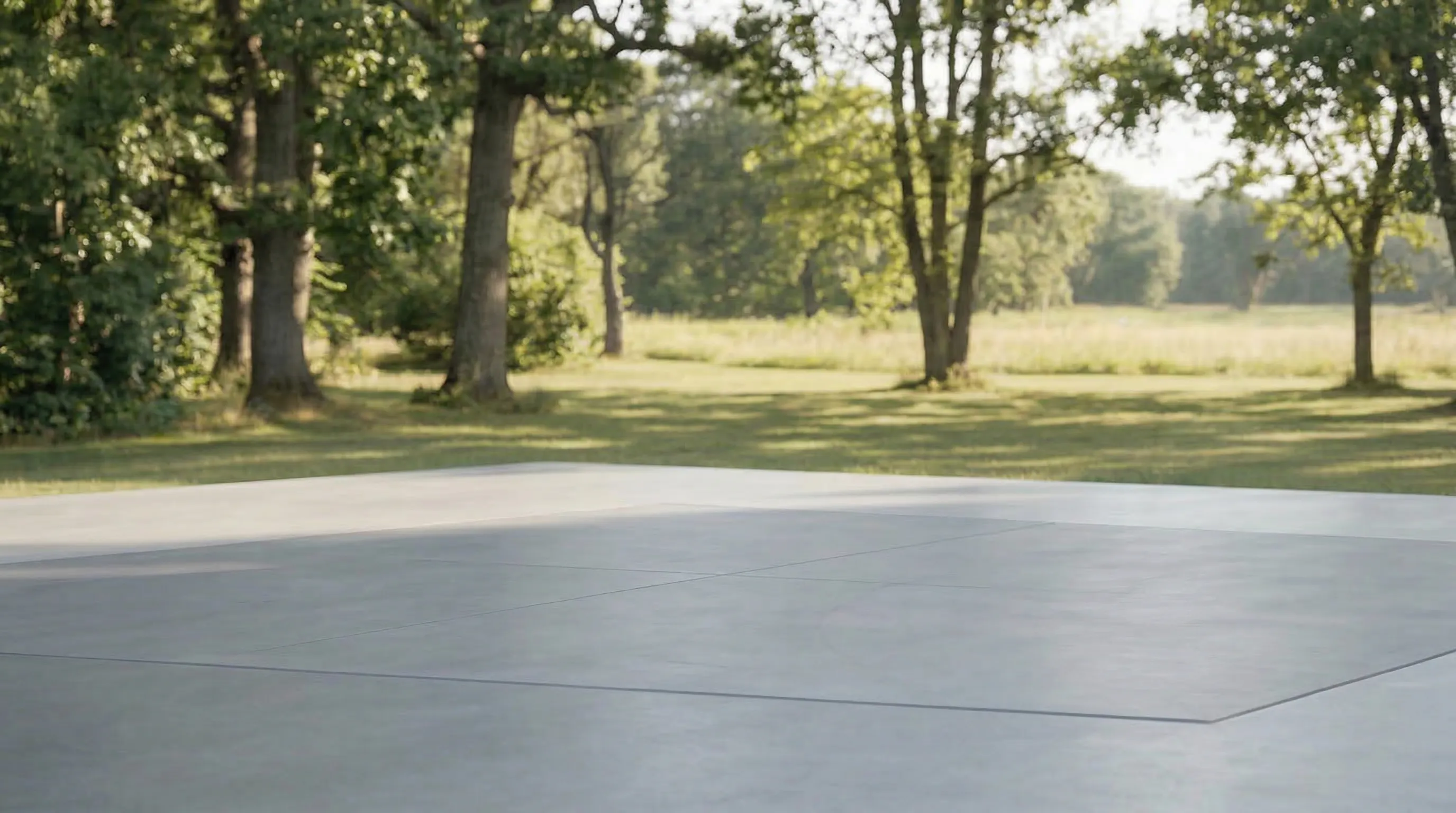 Estate driveway
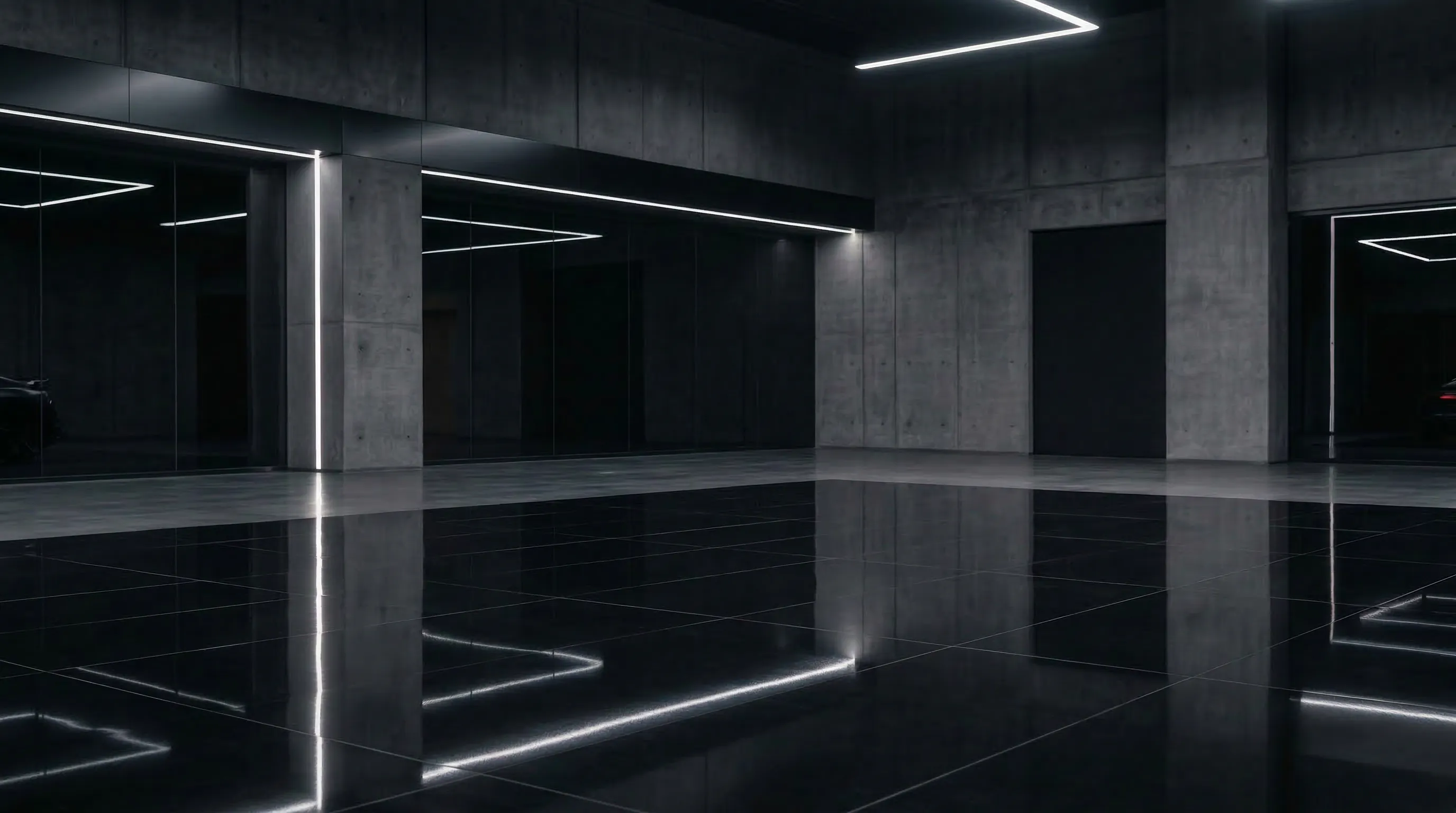 Neon garage
The details, handled.
- Formats
- Four
- 3:2, 4:3, 16:9, or 1:1, for listings, your website, and social.
- Resolution
- About 2K
- 2016 pixels wide at 3:2, delivered ready to upload.
- License plates
- Hidden
- A clean, blank plate automatically, or left on the car. Your call.
- Teams
- Shared
- Vehicles, showrooms, and credits in one place for everyone.
Priced per finished photo.
One credit is one finished photo. If a photo fails, its credit comes back automatically. Credits are shared across your team.
Free
$0to start
6 credits
No credit card required
Studio
$25/month
100 credits
$0.25 per photo
Studio+
$50/month
300 credits
$0.17 per photo
Ultra
$100/month
600 credits
$0.17 per photo
Frequently asked.
Does Clearcoat change my car?
It is built not to. Clearcoat draws your car into the showroom from your photo, keeping its make and model, paint, badges, wheels, trim, and any wear, and adds the room's light, reflections, and floor shadow. Because the car is drawn rather than copied, a small detail can come out differently, so compare each finished photo with your lot photo before you list it.
What photos should I upload?
The ordinary photos you take on the lot, from whichever angles you want to list. Each photo you upload becomes one finished showroom photo of the car from that same angle, ready in about a minute.
Can I use my own showroom?
Yes. Create a showroom from a photo of your own space, or describe the room you want in a few words. Your team can use it for every car you list.
How are license plates handled?
You choose. Clearcoat can hide the license plate automatically, leaving a clean blank plate, or keep it on the car, where its lettering may not match your photo exactly.
What sizes and formats do I get?
Choose 3:2, 4:3, 16:9, or 1:1. Photos are delivered at about 2K resolution, for example 2016 pixels wide at 3:2.
How do credits work?
One credit is one finished photo. New accounts start with 6 free credits, and plans include 100 to 600 credits a month. If a photo fails, its credit is returned automatically.
Can my team work together?
Yes. Invite teammates to share vehicles, showrooms, and credits.
Start with one photo.
Upload a car from the lot and see it in a showroom in about a minute.
Get started6 free credits. No credit card required.