Photographing Cars
Does Clearcoat work on interior photos?
3 min read
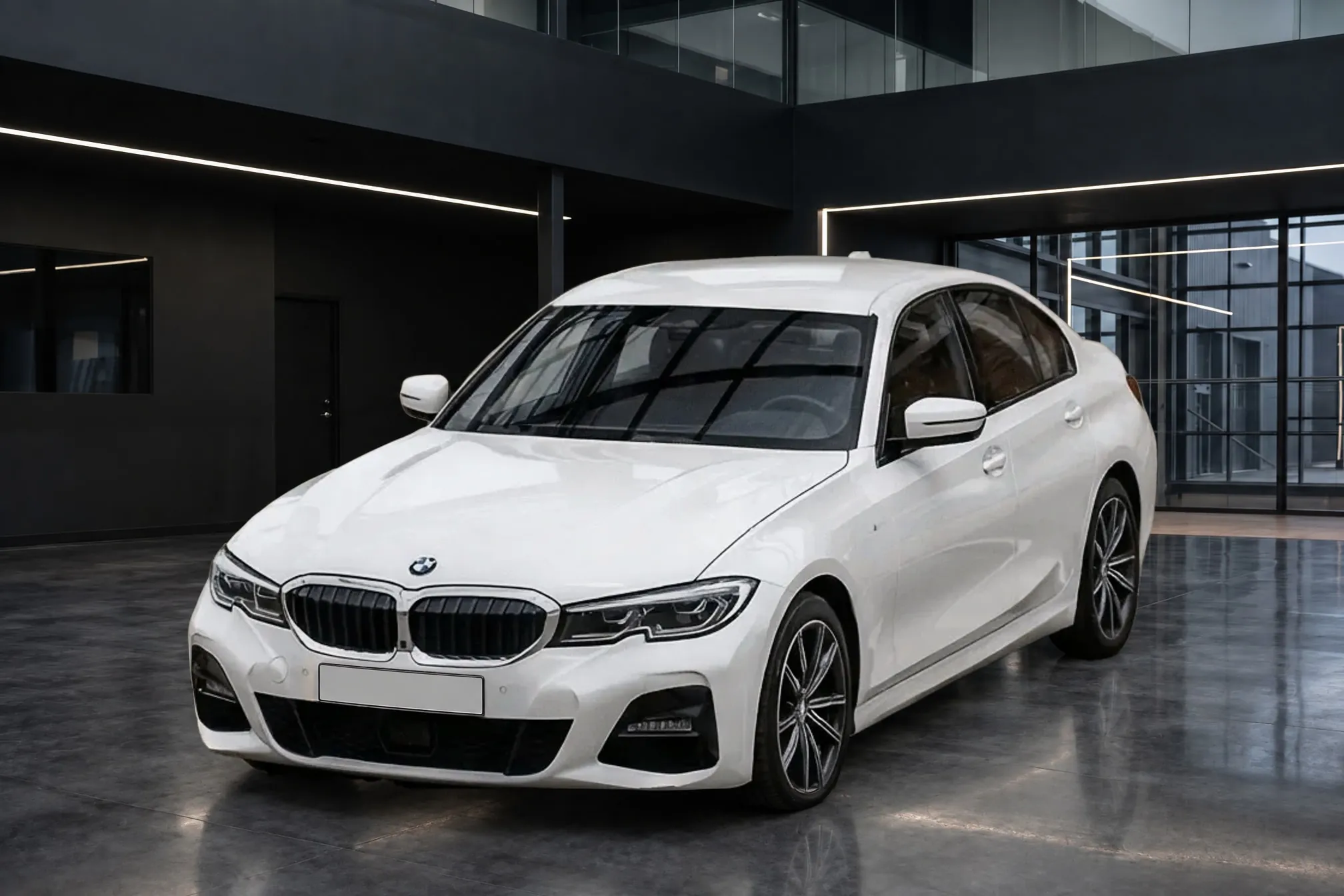
No. Clearcoat is made for exterior photos of the whole car: the front three-quarter, front, side profile, rear three-quarter and rear. Interior photos, and close-up details such as a wheel, the trunk, the engine bay or a scratch, go on the listing as you took them. So a listing made with Clearcoat leads with the exterior set in one Showroom, then shows the cabin and the details exactly as photographed.
Why a Showroom has no role inside a car
A Showroom is a room a whole car stands in. Clearcoat places the car on its floor, with the room's light on the paint, the room reflected in the bodywork and a shadow under each tire. That is what makes an exterior photo look like it was taken indoors instead of in a row of parked cars.
Inside the cabin, none of that applies. The subject is the seats, the dashboard and the controls, and the only "background" is what shows through the glass. There is no floor for the car to stand on and no paint for the room to light. A buyer looking at the interior photos is checking wear, equipment and the odometer, and the most useful interior photo is a clear, honest record of the cabin as it is.
How to leave interior photos out before you generate
A Vehicle in Clearcoat holds up to 24 lot photos, and the Studio selects all of a Vehicle's photos when you choose the car. Each selected photo becomes one finished photo and uses one Credit. So either upload only the exterior shots to the Vehicle, or tap each interior and detail shot to leave it out before you generate. Keep the interior photos with the rest of the car's files and add them to the listing after the Showroom photos.
Which interior photos buyers expect on a car listing
Autotrader UK's photo advice lists the interior shots in its 20-photo guide. They are the front from the driver's and passenger's side, front and rear seating, the full dashboard and a dashboard detail, and the odometer. The guide adds the gearshift, the steering wheel controls, window and seat controls, and the door sill. Our car listing shot list puts them in listing order, after the five exterior angles, with the wheel, trunk, engine bay and any damage close up.
How to take good interior photos on the lot
Three habits from the marketplaces' own advice make the most difference:
- Empty and clean the cabin first. AutoTrader.ca asks dealers to make sure they "have removed all personal items from the vehicle, covering storage compartments, footwells and seats", then clean the seats, carpets, dashboard, center console, steering wheel and door panels (AutoTrader.ca, 2022).
- Shoot in soft light and let it in. AutoTrader.ca recommends shooting the interior "in a lightly shaded area to avoid sun glare". CarGurus suggests opening the doors and sunroof "to get as much light inside as possible" (CarGurus).
- Close every door before the instrument cluster. AutoTrader.ca: "When shooting the instrument cluster, close all doors and hatch to avoid warning messages." Make sure the odometer reading shows.
Take the same interior shots, in the same order, on every car; the shot list gives the order. Together with the same Showroom on every exterior, that keeps a row of listings looking like one set.