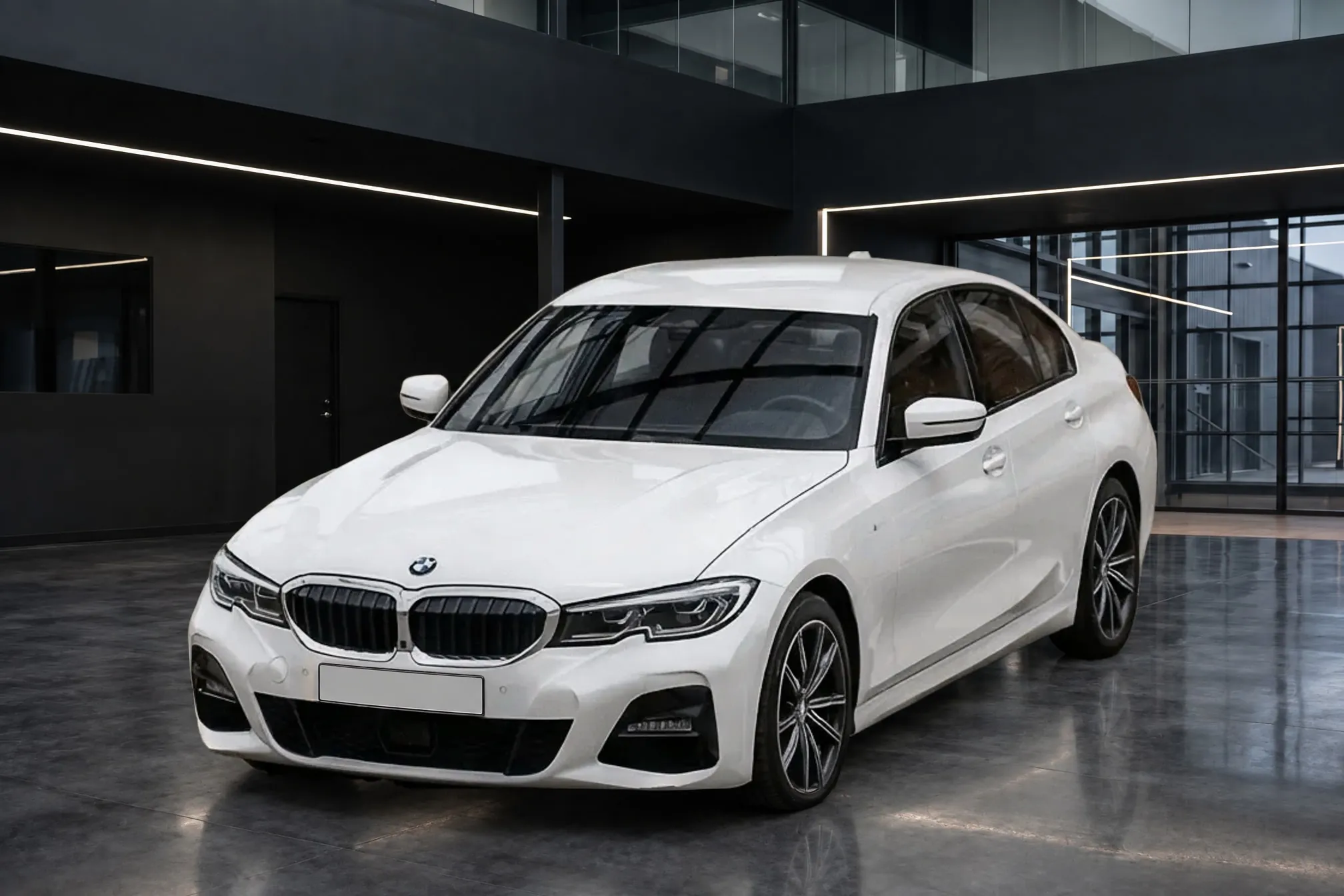
Photographing Cars
Can I take car listing photos with my phone?
4 min read
Yes. A phone from the last several years captures far more pixels than any major listing site asks for, so resolution is not what decides whether a car photo looks good. What decides it is how the phone is used: the main 1x camera rather than the ultra-wide, one camera height on every car, a steady hand, and landscape framing with the whole car in it. Clearcoat works from exactly these phone lot photos: it places the car in a Showroom and returns a finished photo of about 2K, each in about a minute. A DSLR still helps in a few cases, mostly dim light, harsh sun and interiors.
How much resolution do car listing sites need, and what does a phone give?
The sites set low minimums, and some set maximums:
| Site | What it asks for |
|---|---|
| eBay | At least 500 pixels on the longest side (eBay picture policy); about 1600 x 1600 recommended (eBay photo help) |
| Google vehicle ads | At least 500 x 500; 1500 x 1500 or more recommended (Google) |
| Cars.com | 640 x 480 recommended, 1024 x 768 maximum on vehicle pages (Cars.com) |
A 12-megapixel phone photo is about 4,000 pixels across. Newer phones go further: the iPhone 15's main camera has a 48-megapixel sensor and saves 24-megapixel photos by default (DPReview), and the iPhone 17 has a 48-megapixel main camera too (Apple). Either is several times what the sites display. The limits that matter in practice are file-size caps, such as 4 MB a photo on Facebook Marketplace; the full table is in car listing photo requirements.
Which phone lens should I use for car photos?
The main 1x camera. The 0.5x ultra-wide fits more of the car from close up, but it stretches the car. As B&H puts it, "Wide-angle lenses, including smartphone camera lenses, when used up close to the car, will produce unwanted distortion" (B&H Explora). If the car doesn't fit, step back. Don't pinch to zoom past the phone's own lens settings either: AutoTrader.ca warns that "most smartphone cameras use digital zoom, and overusing it can result in grainy, pixelated photos" (AutoTrader.ca).
How high and how steady should I hold the phone?
Hold it at about headlight to mid-body height, knees slightly bent, and use that height for every car. Autotrader UK tells sellers to shoot "from the same height as someone would normally look at it, so not too high or too low," and to take the photos "in landscape mode, if using your mobile phone" (Autotrader UK). A consistent height makes a row of listings read as one set. It matters even more when the background is replaced, because a car shot from well above or below sits wrong in a room seen from normal height (see why car background replacement looks fake).
For a sharp photo, hold the phone with both hands, tap the car to focus and give the camera a moment before you press the shutter. AutoTrader.ca suggests that if you don't have a steady hand, you "bring something tall to lean your elbows on while you shoot." Wipe the lens first: a phone lives in a pocket, and a smudge softens every photo.
When does a DSLR still help for car photos?
A dedicated camera is better in the hard cases, and photo advice says so. B&H says a point-and-shoot, mirrorless or DSLR camera "will give you superior image quality," though a modern smartphone gets successful images too. AutoTrader.ca adds that "even the best smartphone cameras have a hard time dealing with the sharp contrast between sunlight and shadow". A DSLR or mirrorless camera earns its cost when you shoot:
- In dim light, such as an indoor bay or late in the day.
- In harsh midday sun, where bright paint and deep shadow sit in the same frame.
- Interiors, which are dark and close, and where a tripod helps.
- With a polarizing filter on the lens, to cut reflections in paint and glass.
Dealers disagree on the rest. On DealerRefresh, Jeff Kershner chose his phone over a DSLR because it gave "more-than-good-enough photos" (DealerRefresh, 2016). In a 2019 thread, one poster advised "Invest in a good camera instead of using your iPhone," and another replied that a "$500+ camera for someone to shoot inventory pics by most dealerships simply won't happen" (DealerRefresh, 2019).
For the exterior photos you put through Clearcoat, a DSLR's extra resolution doesn't reach the listing: each finished photo is a JPEG of about 2K, for example 2016 pixels wide at 3:2. What carries through is the car itself, so a sharp phone photo with the whole car large in the frame is a better start than a DSLR photo of a car that is small or cut off.
Using phone photos in Clearcoat
Upload the exterior walk-around of one car to a Vehicle, up to 24 photos, then choose a Showroom and generate. Clearcoat takes JPEG, PNG, WebP or AVIF files up to 20 MB each. If your iPhone saves photos as HEIC, switch it to JPEG under Settings, Camera, Formats, Most Compatible (Apple). Each lot photo becomes one finished photo of the car in the Showroom, from the angle you shot, so walk every angle you plan to list. The light, the reflections and the floor shadow come from the room. Dirt, damage and anything mirrored in the paint come from your photo, which is why the lot routine still matters.
Interior and close-up detail shots go on the listing as you took them. That is where a careful phone technique, or a dedicated camera in a dark cabin, shows most.