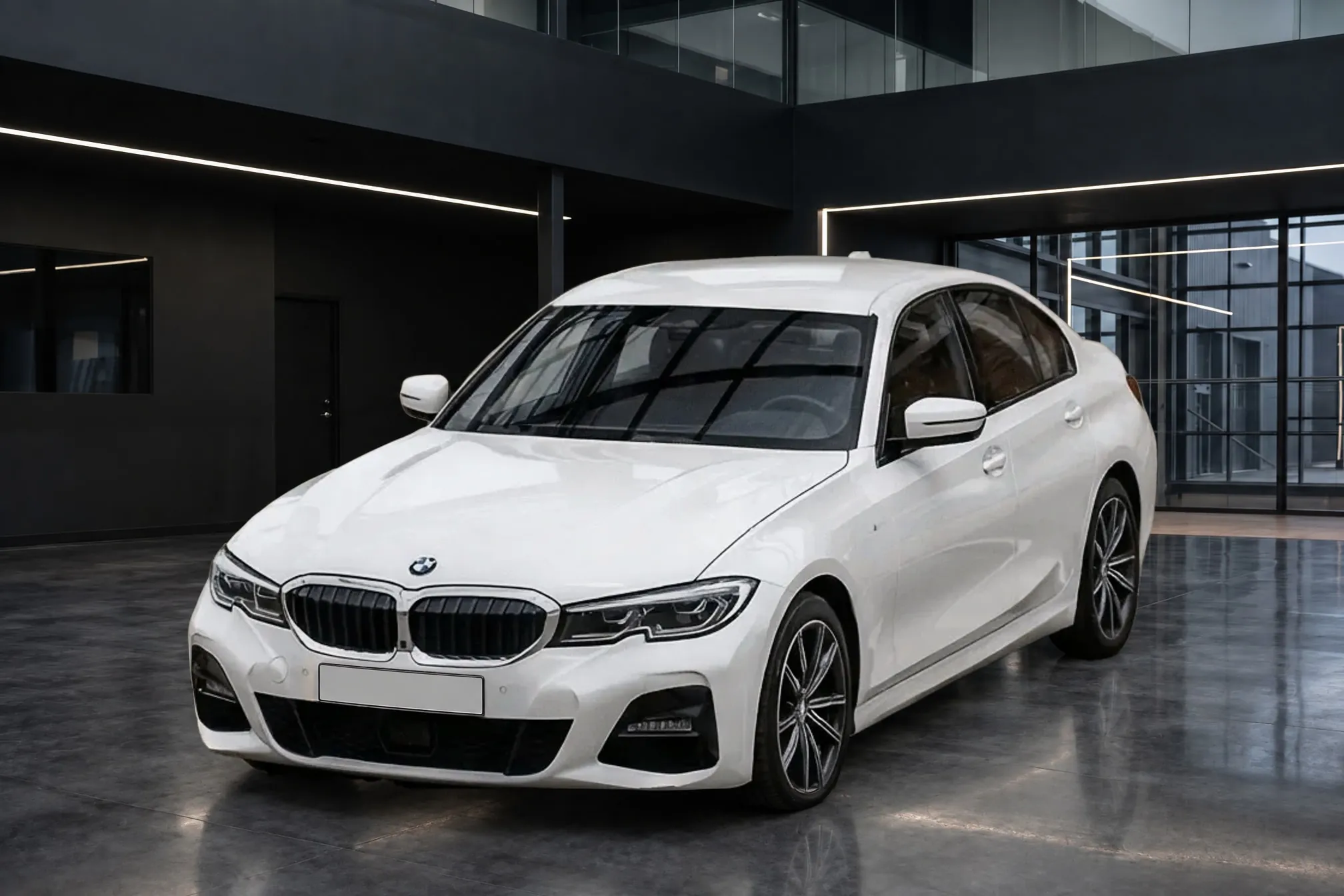
Car listing photo requirements on eBay, Autotrader, Cars.com, CarGurus, Facebook and Google
Every photo rule the major car listing sites publish, side by side, from their own help pages and policies, with what each one means for the photos you take and the ones you edit.
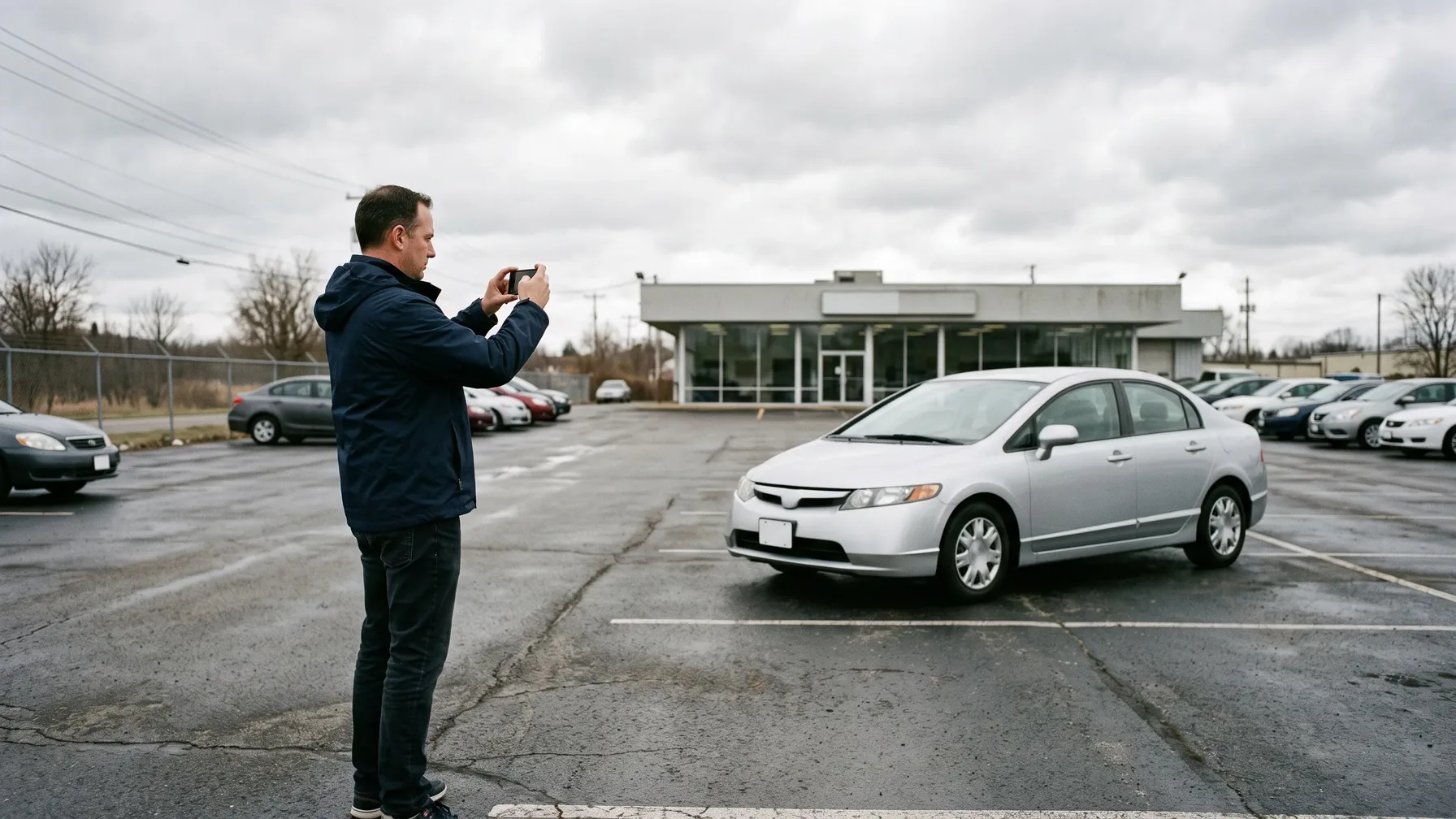
Where the major car listing sites state a rule, they agree on two things: the photos must show the actual car for sale, and nothing may be added on top of the image (no text, logos, borders or watermarks). Google and Cars & Bids also ask for the whole car in frame. Where the sites differ is how many photos they take and how large each one may be. eBay Motors takes up to 40 photos on its listing for cars over $15,000 and Autotrader up to 30. Cars.com takes up to 99 for a dealer's used car, Facebook Marketplace up to 20 from a dealer feed, Google vehicle ads one main image plus 10 more, and Autotrader UK up to 100. The smallest size any of them states is 500 pixels, from eBay and Google, and the largest file any accepts ranges from 4 MB at Facebook to 16 MB at Google. A clean, landscape photo of about 2,000 pixels across, at 4:3, meets every minimum and file-size cap below; Cars.com lists 1024 × 768 as its maximum for vehicle pages.
We read each site's own help pages, policies and feed specifications in 2026 and quote them directly, so you can check each rule at its source. Vendor blogs that repeat other numbers are not used.
Car listing photo requirements at a glance
| Site | Photos per listing | Size and format | Stock photos | Text, logos and watermarks |
|---|---|---|---|---|
| eBay Motors (US) | Up to 40, by listing package | At least 500 px on the longest side; up to 12 MB | Used: actual vehicle only. New: with the supplier's permission, disclosed | Not allowed, of any type |
| Autotrader (US) | Up to 30, by ad package | Up to 10 MB a photo | Not stated | Not stated; inappropriate photos can be rejected |
| Cars.com | Up to 99 for a dealer's used car | 4:3; 640 x 480 recommended, maximum 1024 x 768 | Media must show the dealer's actual vehicle | No offers, other prices or payments |
| CarGurus (US) | Dealer limit not published | Not published for dealers | Not stated | Embedded contact details can be removed |
| Facebook Marketplace (dealer feed) | 2 to 20 | Up to 4 MB a photo | Must show the actual vehicle | Banners, text and placeholders "generally not allowed" |
| Google vehicle ads | 1 main image plus up to 10 | At least 500 x 500, 1500 x 1500 recommended, 4:3, up to 16 MB | New cars only, same make, model and color | Disapproved |
| Autotrader UK | Up to 100, at least 20 suggested | Landscape preferred | Don't copy photos from the internet | Dealers may not show any text on images |
"Not stated" means the site's own pages we could read don't say. It doesn't mean there is no rule. The sections below quote each rule and link its source.
eBay Motors photo requirements
eBay Motors photo limits depend on the vehicle listing package, not on eBay's general limit of 24 pictures. eBay's Motors fees page lists the listing for vehicles "Over $15,000" at "$79 - 40 photos"; it gives no photo count for the $34 listing for vehicles at $15,000 or less.
The rest applies to every eBay seller, dealer or private:
- Size and format. eBay's picture policy requires "at least one photo that is 500 pixels on the longest side." Its photo help recommends about 1600 x 1600 and takes images "up to 12MB" in JPEG, PNG, GIF, TIFF, BMP, WEBP, HEIC or AVIF.
- The actual car. "Note for Pre-owned vehicle sales, images must be of the actual vehicle offered for sale" (images and text policy). For new vehicles, stock images "may be used with permission from the supplier," provided the listing says the photos are not of the actual vehicle. Images from a manufacturer's website are not allowed.
- Nothing added. The picture policy lists "Photos with added borders," "Photos with added text, artwork or marketing material" and "Watermarks of any type" as not allowed.
- Background. eBay's Motors photo guide says the "Background should be neutral, so that it is easy to see the vehicle," and recommends "a minimum of 12 photos."
eBay also offers sellers its own AI background tool, and its page states no exclusion for vehicles. Its Seller Center suggests choosing "from a variety of AI-generated scenes" and to "only use this option for a few photos."
Autotrader photo requirements (US)
Autotrader's private-seller pages allow "a single photo or up to 30," with a maximum of 10 MB a photo (Autotrader, 2025). An older Autotrader help page says up to 27, "depending on the ad you select," so the number you get depends on the ad package. Autotrader says it reserves "the right to reject any inappropriate photos," and that uploaded photos can take 24 to 48 hours to appear (Autotrader help).
Autotrader's dealer photo limits aren't on a public page.
Cars.com photo requirements
Cars.com's dealer vehicle listing policy (revised June 2026) sets the rule that matters most: a dealer listing's media "must accurately depict the vehicle" the dealer is selling. Dealers also may not use listing content "to promote special offers, prices other than the price offered in the listing," or to model payments or financing. That rules out price and payment banners on the photos.
Cars.com advertises "up to 99 photos for used vehicles and immersive 360° spins" to dealers (Cars Commerce). Its photo sizing help recommends a "4:3 aspect ratio" and lists 640 × 480 as the recommended vehicle page size, with a "maximum 1024 × 768." It also warns that panorama shots "can cause photos to appear cropped." If your photos go to Cars.com through an inventory provider, ask whether it resizes them to that maximum, or export a 1024 × 768 copy for Cars.com.
Private sellers list on Cars.com for free, and photos are required (Cars.com Sell). Cars.com doesn't state a private-seller photo count.
CarGurus photo requirements
CarGurus stopped accepting new private-seller listings in the US: "beginning June 27, 2024, CarGurus users will not be able to create new private listings" (CarGurus help, archived). The 32-photo limit and the ownership photo with a handwritten code that guides still quote applied to those private listings.
For dealers, CarGurus doesn't publish a photo limit on a public page. Two dealer rules are public. Its dealer pricing policy (August 2024) says CarGurus may remove "embedded contact information in images, often known as 'Watermarking,'" when it is used to get around CarGurus lead routing. And its dealer blog recommends "20+ high quality photos," taken "at eye level, centered within the frame."
Facebook Marketplace car photo requirements
Dealers list vehicles on Marketplace through a catalog feed. For those listings, Meta's Marketplace vehicles FAQ, now available only as an archived copy, says "listings should have two or more images (up to 20), and they should show the actual vehicle." It adds that "Images with banners, text or placeholder images are generally not allowed, and may be banned." Meta's catalog reference caps each image at 4 MB.
The same catalog powers Meta's automotive inventory ads, which crop differently: square 1:1 images (600 x 600) for carousels and 1.91:1 (1200 x 630) for a single vehicle. If you advertise inventory on Facebook as well as listing it, a 1:1 version of the lead photo is worth having.
Meta's developer documentation covers dealer feeds; it gives no photo limit for private sellers. Numbers that vendor blogs quote, such as 50 photos, don't match Meta's own feed documentation.
Google vehicle ads image requirements
Google vehicle ads are for dealers only: "Vehicle ads from private sellers, individuals, or auto brokers aren't permitted" (Google). They have the most detailed image rules of any site here, from Google's vehicle ads image guidelines:
- Size and format. At least 500 x 500 pixels, with "1500 x 1500 pixels or above" recommended; up to 16 MB and 64 megapixels; 4:3 recommended; GIF, JPEG, PNG, BMP, TIFF or WebP.
- How many. One main image of the specific vehicle and "Up to 10 additional images" (Google vehicle ads attributes).
- The main image. Google recommends "a front-to-side angle (at ~45 degrees)" and says to avoid a rear angle as the main image.
- Disapproved. "No overlaid watermarks," "No superimposed logos or text," placeholders such as "Coming Soon," a "generic or stock image which is not the actual car," and truncated images. Stock images are allowed only for new cars "as long as they show the same make, model, and color as the car listed."
- Allowed but discouraged. "Logos or branding in the background," "Modification on the license plate" and "Cluttered background." Google recommends "high quality, clean images with minimal background."
Google Merchant Center also has a rule for images made with generative AI: they "must contain meta data indicating that the image was AI-generated," and you shouldn't remove embedded tags such as the IPTC DigitalSourceType property (Merchant Center image requirements). If you edit vehicle photos with AI and run Google vehicle ads, keep that metadata when you export and upload.
Autotrader UK and AutoTrader.ca photo requirements
Autotrader UK takes far more photos than US sites. Its seller help says "We suggest uploading at least 20 photos, but you can add up to 100," and "It's best to take the pictures in landscape." For dealers, the 100 Advert Images terms set the same maximum of 100. They also say the advertiser "is prohibited from displaying any text on images, including but not limited to, contact details." Autotrader UK leaves plates to the seller, noting that buyers often use the registration number to get an insurance quote (Autotrader UK help).
AutoTrader.ca's own selling guide says "AutoTrader lets you post up to 15" photos and recommends "a clean, neutral background" (AutoTrader.ca, 2026).
Craigslist and enthusiast auction sites
Craigslist's help pages don't state a photo limit for cars and trucks (Craigslist image help). Cars & Bids asks for "At least 30 high-res photos of the entire car," shot "in landscape orientation" with a "Simple and pleasing background, unoccupied location, and nothing distracting near the car" (Cars & Bids photo guide).
How many photos a car listing should have
The sites' maximums are far above what most listings need, but several publish a recommended minimum. eBay's Motors photo guide recommends "a minimum of 12 photos." CarGurus suggests "20+ high quality photos" for dealers, and Autotrader UK suggests "at least 20." Cars & Bids, an enthusiast auction site, asks for "At least 30 high-res photos of the entire car." For a used car on a mainstream site, 20 or more photos covering every side, the interior, the dashboard and any damage meets each of those sites' advice. Our help answer on what photos a car listing should include gives the full shot list.
Which photo size and format works on every site
One set of photos covers the sites above if you get four things right:
- Landscape, not portrait. Autotrader UK and Cars & Bids ask for it, and Cars.com warns about panoramas being cropped.
- 4:3 for marketplaces. Google recommends 4:3 and Cars.com displays 4:3. Add a 1:1 copy of the lead photo if you run Facebook carousel ads.
- About 2,000 pixels on the long side. That is well above the 500-pixel minimums of eBay and Google, and a JPEG of that size stays far under every file-size cap: 4 MB at Facebook, 10 MB at Autotrader, 12 MB at eBay and 16 MB at Google. For Cars.com, check that your inventory provider resizes to its 1024 × 768 maximum.
- Nothing on the image. No price, logo, phone number, border or watermark. Put the price and the dealership's details in the listing text, which our guide to writing a used car listing description covers.
Clearcoat finished photos fit that specification: a JPEG of about 2K with no watermark. The default format is 3:2, so choose 4:3 under Format for Google and Cars.com. A 1:1 version of the lead photo for Facebook ads is a second finished photo, at one more Credit.
Stock photos, text and watermarks on car listings
The rules on stock photos follow one line across every site that states one: a used car must be shown in photos of that car. eBay allows stock photos only for new vehicles, with the supplier's permission and a disclosure; Google allows them only for new cars that match the make, model and color; Meta and Cars.com require photos of the actual vehicle. Autotrader UK tells sellers "don't just copy pre-existing photos from the internet" (Autotrader UK advice).
Text and watermarks are the other line. eBay bans watermarks "of any type," Google disapproves superimposed logos and text, and Autotrader UK bars dealers from showing any text on images. Meta says banners and text are generally not allowed, Cars.com bars using listing content for special offers or payments, and CarGurus can strip contact details from images. A dealer banner or a price strip across the photo breaks several of these rules at once.
License plates in listing photos
Only two sites say anything about plates. Google lists "Modification on the license plate" as allowed but discouraged in vehicle ads, so a covered plate won't get an ad disapproved, though Google says discouraged images could perform worse. Autotrader UK leaves it to the seller. No other site we read has a plate rule.
Clearcoat hides plates with a clean blank plate by default. For Google vehicle ads, where a modified plate is discouraged, you can choose Keep, then check every character against the real plate, because a kept plate's characters may not match. On Autotrader UK, where buyers use the registration for insurance quotes, put the registration in the listing text.
Do listing sites allow AI-edited backgrounds?
No site we read bans a replaced or AI-made background on a car photo. Their rules ask for the actual car, accurately shown. eBay says "images must be of the actual vehicle," Cars.com that media "must accurately depict the vehicle," Meta that images should "show the actual vehicle," and Google to "Accurately display the entire product with minimal or no product staging." The disapproval Google spells out is for truncated images, and a plain Showroom fits its "minimal" advice best. eBay offers AI-generated scenes to sellers itself, and Google says it may apply "background blur or auto-cropping" to vehicle ads on its own.
So the background is yours to choose, and the car is what every site holds you to. For what makes a replaced background look real, see why car background replacement looks fake. Clearcoat is built around that line: it changes the room, keeps the car's paint, wheels, badges and damage as you photographed them, and shows each finished photo beside its lot photo so you can compare the two before you list. For what the FTC, state dealer rules and the EU say about edited car photos, see Are AI-edited car photos allowed?. For which shots to take and in what order, see what photos a car listing should include.