Photographing Cars
Should I list a used car before it has photos?
4 min read
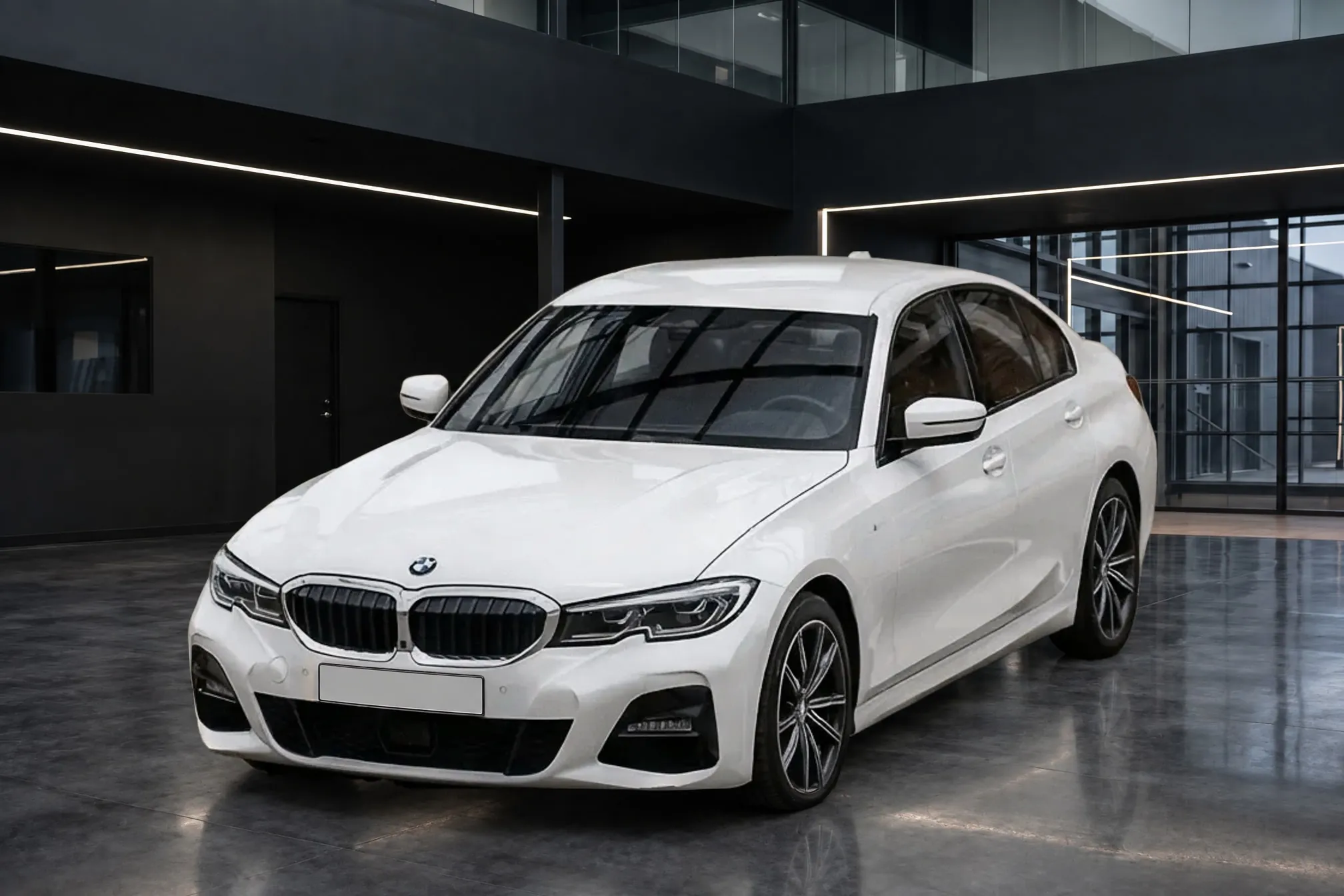
List it as soon as it has a few real photos of the car, and skip the "photos coming soon" image. Google vehicle ads, eBay and Facebook Marketplace all reject placeholder images, and Cox Automotive's listing data found that a used car with several of its own photos drew far more views than one with none. Detailing and the full photo set can follow. The exterior walk-around is the part you can shoot today, where the car is parked: rinse and dry it, then photograph it. Clearcoat turns those quick lot photos into consistent Showroom photos, each in about a minute, so the first photos on the listing already match the rest of your inventory.
What do listing sites say about "coming soon" photos?
Where a site states a rule, it either requires a real photo of the car or rejects placeholders outright:
| Site | Listing with no photo | Placeholder or "coming soon" image |
|---|---|---|
| Google vehicle ads | A main image of the specific vehicle is required (Google) | "Coming Soon" and "No Image" are disapproved, as is a dealer logo alone or a stock photo that isn't the actual car (Google) |
| Facebook Marketplace (dealer feed) | Needs "two or more images (up to 20)"; "no images" is a top reason vehicles are rejected (Meta) | "Images with banners, text or placeholder images are generally not allowed, and may be banned" |
| eBay | At least one photo of 500 pixels on the longest side (eBay) | "Placeholder images used to convey messages" and stock photos of used items are not allowed |
Cars.com, Autotrader and CarGurus don't publish a rule on dealer listings without photos that we could find. Autotrader notes that uploaded photos can take 24 to 48 hours to appear (Autotrader help), which is one more reason to get the first photos in early. Every photo rule by site is in car listing photo requirements.
If your website or inventory system shows a placeholder for cars without photos, keep those cars out of the feeds that disapprove placeholders until real photos are attached.
Do car listings without photos get fewer views?
The most specific published data is old, but it points one way. Cox Automotive, which owns Autotrader, compared listings in late 2017. Used and certified listings with multiple custom photos got 245% more vehicle detail page views per listing than listings with no photo. A stock photo did worse than no photo at all, with 23% fewer views (Cox Automotive, "The Power of Pictures"). That measures views, not sales, and it predates today's sites. We found no newer published figure.
The delay itself is common. In a 2019 survey of 86 UK dealers, Manheim found that "it takes 60% of used car dealers three to four days to list a vehicle online with images from point of purchase" (Manheim).
Should a dealership list before photos or wait? What dealers say
Dealers have argued this on DealerRefresh for years without settling it. In a 2011 thread, Jeff Kershner said "From my experience - get it out there," while another dealer held that "A vehicle comes to market when it has a price, description and picture" (DealerRefresh, "Used Car Photos Discussion"). The case for waiting is the first impression. "How many online shoppers will see your listing with no photos and come back in three to four days," asked one poster in another 2011 thread (DealerRefresh, 2011). Speaking as a buyer in a 2008 thread, Chip Grueter put it more bluntly: "a listing without photos won't get a view from me" (DealerRefresh, 2008).
Most of that argument assumes the only choice is no photos or a full, detailed set. There is a middle path. vAuto describes dealers who "use mobile phone cameras to capture three to five preliminary photos to post online as part of an initial listing," instead of "photos coming soon" placeholders (vAuto). The listing goes live with the actual car, and the full set replaces the preliminary photos after reconditioning.
How to get real photos on a used car the day it arrives
- Rinse and dry the exterior. A full detail can wait, but dirt and water spots are part of the car in the photo.
- Shoot the exterior walk-around where the car is parked. Front three-quarter first, then front, side, rear three-quarter and rear, with the whole car in each frame, from the same height. A phone is enough: see taking listing photos with your phone.
- Put the car in a Showroom. Upload the exterior photos to a Vehicle in Clearcoat, choose your usual Showroom and generate. Each finished photo arrives in about a minute, from the angle you shot, with the lot gone from behind the car and the plate hidden by default. Compare each one with its lot photo before you list it.
- List those, and add the rest after detailing. Interior, engine bay and detail shots go on as you take them, once the car is ready. The shot list has the full order.
Clearcoat keeps the car as you photographed it, scratches and dents included. If reconditioning later fixes something visible, such as a dent or a worn tire, replace those photos so the listing shows the car the buyer will find. To try this on the next car that arrives, start with 6 free credits, no credit card required.