How to get used cars photographed and online faster
Where the days go between a used car arriving and its listing going live, why photos are usually the last step, and a two-pass routine that gets real photos online the day the car arrives.
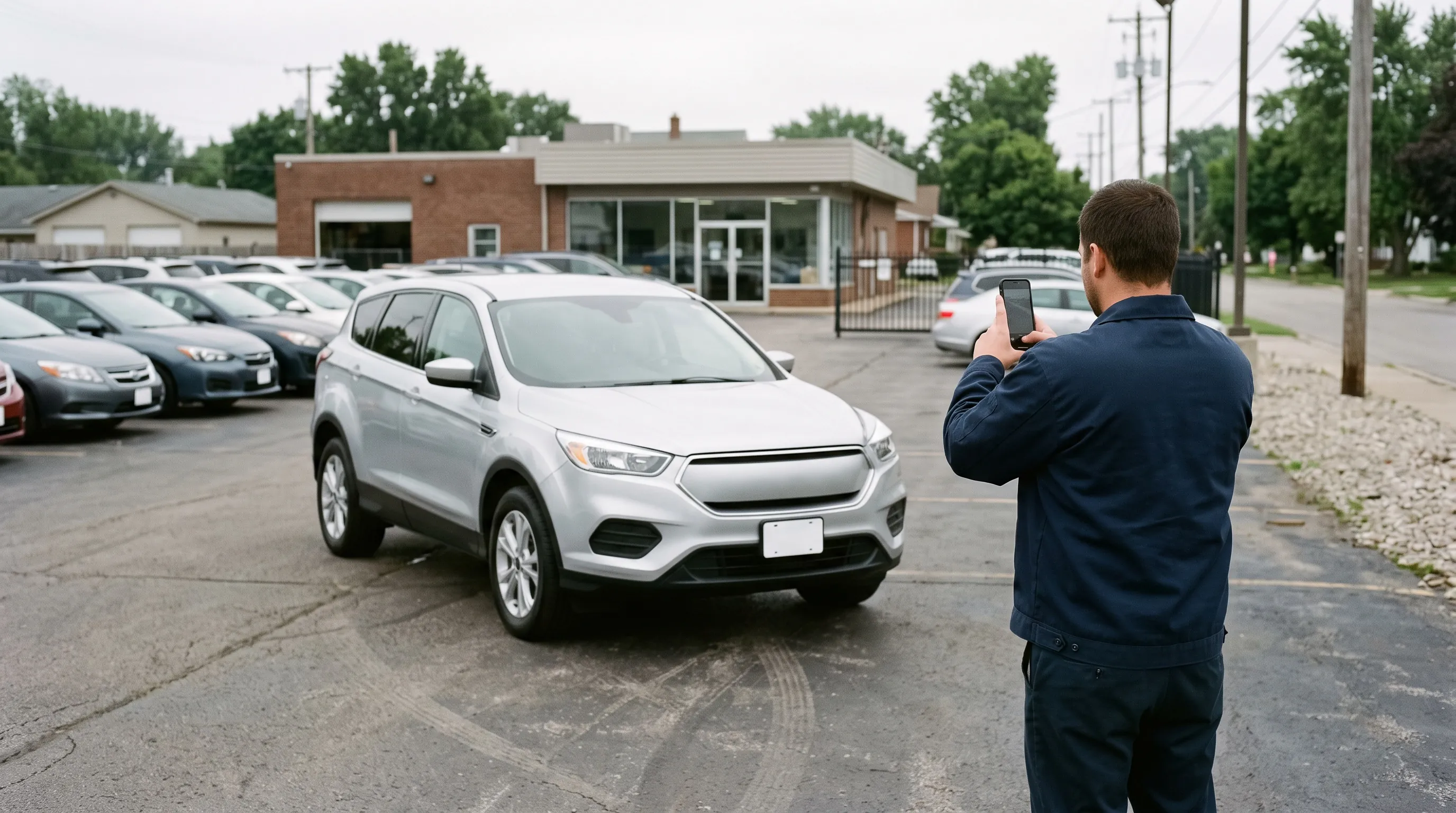
Photograph the car the day it arrives, before reconditioning, and list it with those photos. Most of the days between "acquired" and "online" are spent waiting on recon, the detail, a photographer and editing, and a car that waits for all of them before its first photo can be off the internet for two weeks. So split the job into two passes. On day one, whoever checks the car in rinses it, dries it and shoots the exterior walk-around where it is parked. The listing goes live with those real photos instead of a "coming soon" image, which Google vehicle ads and eBay reject. After the detail, the full set replaces them. Clearcoat fits the first pass: it turns those quick lot photos into Showroom photos in about a minute each, in the same Showroom as the rest of your inventory.
Below: where the days go, whether to shoot before or after recon, what to post while a car waits, who should shoot, the delays that come after the photos, and a same-day routine.
Where the days go between "acquired" and "online"
A used car passes through several hands before a shopper can see it, and each handoff is a chance to wait. "Every handoff creates another opportunity to wait," as Dealer Image Pro puts it (Dealer Image Pro, 2026).
| Stage | Typical wait, where someone has published one |
|---|---|
| Arrival, check-in and inspection | Hours to days, waiting on estimates and approvals |
| Reconditioning and detail to frontline-ready | 5 to 7 days at best practice; 12 to 15 days is common |
| Photos | A missed vendor slot "can delay a car by a day or more" (Dealer Image Pro, 2026) |
| Editing | 24 to 48 hours at some background-editing services |
| Upload and syndication | Hours, and up to 48 hours for some sites |
The recon figures come from vendor data and are not recent. Rapid Recon, which sells recon software, reported an average of 13.2 days in reconditioning across 2,000 of its dealerships in spring 2020, against a best practice of "five to seven days" (F&I and Showroom, 2020). A 2018 CBT News article, drawing on Rapid Recon's work with dealers, put an excellent time-to-line at three to five days and the typical one "closer to 12 to 15 days" (CBT News, 2018).
The only survey we found that measured the full trip to a listing with photos is British. Manheim found that "it takes 60% of used car dealers three to four days to list a vehicle online with images from point of purchase" (Manheim, 2019). A third of the 86 dealers it asked named photography as their biggest issue. We found no recent independent US figure, and most of the numbers on vendor blogs have no source.
One US store's numbers were published in 2026. A DealerRefresh post shared a month of data from Reymore Chevrolet's inventory feed, prepared by AutoMagic Labs. It reported an "average wait for full photos: 15 days" that month. Cars still waiting for their full photos drew 0.3 to 1.0 detail-page views a day, against a median of 8.5 for fully photographed cars in their first 30 days (DealerRefresh, "Creative use of Car Pics.", 2026). That is one store's views, not sales, but the wait is the point: half a month passed, on average, before a car had its full photo set.
Why photos are usually the last step
Photos come last because they wait on everything else. Most stores shoot once, after recon and the detail, so the photo clock doesn't start until the shop is finished. Then the shoot waits for the photographer's next visit, the booth's queue or a dry afternoon, and the photos wait for editing before anyone uploads them.
A vAuto article on getting cars to the "virtual front line" puts the cost of that order plainly: "If a used vehicle isn't online, it isn't for sale" (vAuto). A car can be mechanically ready and still invisible. Dealer Image Pro calls this "Mechanically Ready Isn't Market Ready" and describes the case where "the photos were taken, but the vehicle is still not published" (Dealer Image Pro, 2026).
The fix is not a faster photographer. It is taking the first photos out of the queue, so they no longer wait for recon, a visit, the weather or an editor.
Should you photograph a used car before or after reconditioning?
Both. Shoot a first set the day the car arrives, and the full set after the detail. Recon software vendors give the same advice. vAuto's article on the virtual front line describes dealers who "use mobile phone cameras to capture three to five preliminary photos to post online" when a trade-in comes in. Rapid Recon describes a photos-first process that gets incoming cars "marketed and merchandised online within an hour or two of acquisition," with salespeople shooting on smartphones and the photos replaced after the detail (Rapid Recon, 2019). The question is old on DealerRefresh too: "If you want it online with photos in 72 hours why send it to the shop first?" one poster asked in 2013 (DealerRefresh).
The case against is the first impression. "Don't photo dirty cars. Period," says the 2026 DealerRefresh post with Reymore Chevrolet's figures. That is right about dirt, and it doesn't argue for waiting. A rinse and a dry take minutes; recon takes days. So the first pass has four rules:
- Retail cars only. Shoot once the appraisal says the car will be retailed, the same day. A car headed to auction needs no listing photos.
- A clean, dry exterior. Rinse it, dry it, and clear the dash and seats. Dirt and water spots are part of the car in the photo.
- The exterior walk-around only. Front three-quarter first, then the front, side, rear three-quarter and rear, the whole car in each frame. Interiors wait for the detail.
- The car as it is. The first photos show the car before recon, scuffs included. If recon then fixes something visible, such as a dent or a worn tire, replace those photos, so the listing always shows the car a buyer will find.
The second pass happens the day the car leaves detail: the interior, the details, and new exterior photos where recon changed something. Mark first-pass photos as temporary in your inventory system and give one person the job of swapping them, so first-pass photos don't stay live for weeks.
What to post while a car waits for photos
Post a few real photos of the car, not a "coming soon" image. Google vehicle ads disapproves "Coming Soon" placeholders (Google), eBay doesn't allow "Placeholder images used to convey messages" (eBay), and Meta's dealer-feed FAQ said placeholder images in a Marketplace feed "are generally not allowed" (Meta). The rules site by site, and the case for listing early, are in should I list a used car before it has photos? and car listing photo requirements.
Placeholders are still common. IMAGIN.studio, a vehicle-imagery vendor, surveyed more than 500 US dealers, CBT News reported in February 2026. Nearly half said they regularly use "Image Coming Soon" placeholders, and only 10% always list a car with a relevant image at launch (CBT News, 2026). Where your website or inventory system shows a placeholder, keep those cars out of the feeds that reject one until real photos are attached.
While the car is in recon, say so in the listing description, with the day it should be ready, so a shopper who calls or visits knows where the car is.
Who should photograph used cars at a dealership
Whoever touches the car first: the lot attendant who checks it in, the porter, or the appraiser on a trade-in walk. The first pass is a phone, five angles and a few minutes, so it needs no photographer, only a routine and a named backup for the days that person is off.
Each common setup has a different wait built in:
- An outside photographer or vendor shoots on a schedule. Dealer Image Pro, which sells an in-house photo app, notes that if dealerships "depend on outside vendors or have limited time slots, missing just one can delay a car by a day or more."
- A photo booth gives every car the same light, but every car goes through one door, one at a time, after it is clean. What a booth costs and how many cars it takes a day is in car photo booth vs app.
- Staff with phones on the lot shoot when the car arrives, with no schedule to wait for. The catch is consistency: cars shot in different spots, light and weather look like different stores.
The phone is the fastest of the three for the first pass. The lot photography guide covers how to get a usable photo on a busy lot: one camera height, the whole car in frame and reflections kept off the paint.
How to take editing and backdrops out of the wait
Two more waits can sit between the shoot and the upload: editing, and waiting for the right backdrop. Background editing done by hand or by a service can add a day or two. Phyron's case study of Lipscomb, three UK dealerships, describes a "24–48 hour turnaround" for background edits that its automated editing removed (Phyron, 2026). Some stores also wait for a clear spot on the lot, or move every car to the same wall. An automated background tool removes both waits: each photo is processed as soon as it is uploaded, and what stands behind the car no longer matters.
Clearcoat does this for exterior photos. Upload the lot photos to a Vehicle, choose a Showroom and Generate, and each finished photo is ready in about a minute. Clearcoat puts the car in the Showroom you pick, lit for that room: the room's light on the paint, its reflections and a real shadow on the floor, so the car stands in the room instead of looking pasted on. It keeps the car as you photographed it, dents and wear included. Every finished photo comes back with its lot photo, so you switch between Showroom and Original and check the car before you list it.
Use the same Showroom for every car, and the photos taken the hour a car arrives match the ones taken after the detail. What stands behind the car doesn't matter, but the lot mirrored in the paint and glass does carry over, so the lot photography guide is still worth following; it also shows a real lot photo beside its finished photo. Rain and snow still hold up the shoot, because a wet or snowy car is photographed as it is.
Why a car still isn't online after the photos are uploaded
Uploading the photos is not the same as being live. Your website usually updates first, and the listing sites pick the car up from your inventory feed on their own schedule:
- Autotrader tells private sellers that uploaded photos can sometimes take 24 to 48 hours to appear (Autotrader). It publishes no figure for dealer feeds.
- Google vehicle ads asks you to "allow 24-48 hours for the changes to sync and for the review to complete" (Google).
- Facebook Marketplace takes dealer inventory through an approved partner's feed, and those partners describe hourly or daily syncs (LocalShift, 2026).
Two habits stop the feed from costing you a day. Upload the first-pass photos the day you take them, early enough to make that night's feed. Then check the next day that the car is actually live on each site with its photos, because a rejected image or a held feed is silent until someone looks.
How to measure arrival to online
Measure two clocks, both from the day the car arrives on your lot:
- Days to first photos online: until the listing is live on your website with real photos of the car.
- Days to the full set: until the detailed photo set has replaced the first pass.
Your inventory or recon system usually records the stock-in date and the date photos were added. Pull the last 30 cars you stocked in and work out both numbers. If the first clock is longer than a day, the first pass is waiting for something it doesn't need, usually recon or a photographer. If the second clock is long, the detail and the reshoot are not scheduled together.
A same-day photo routine for used cars
- Stock the car in with its stock number the day it arrives.
- Rinse and dry the exterior, and clear the dash and seats.
- Shoot the exterior walk-around where it is parked: front three-quarter, front, side, rear three-quarter and rear, at one camera height, the whole car in each frame. A phone is enough.
- Put the car in a Showroom. In Clearcoat, add the car as a Vehicle with its lot photos, then use Choose a car, Choose a showroom and Finish, where Number plates is set to Hide by default, and Generate. Each finished photo is ready in about a minute.
- Check and download. Switch between Showroom and Original on each photo, then Download them and add them to your website or inventory system the same day, marked as first-pass photos.
- Reshoot after the detail. Add the interior and details, and replace any exterior photo that recon made out of date.
- Check the listing the next day on each site you feed, photos included.
To try the first pass on the next car that arrives, start with 6 free credits, no credit card required. That is six finished photos, enough for one car's exterior walk-around.